What DRaaS Is (and Isn't)
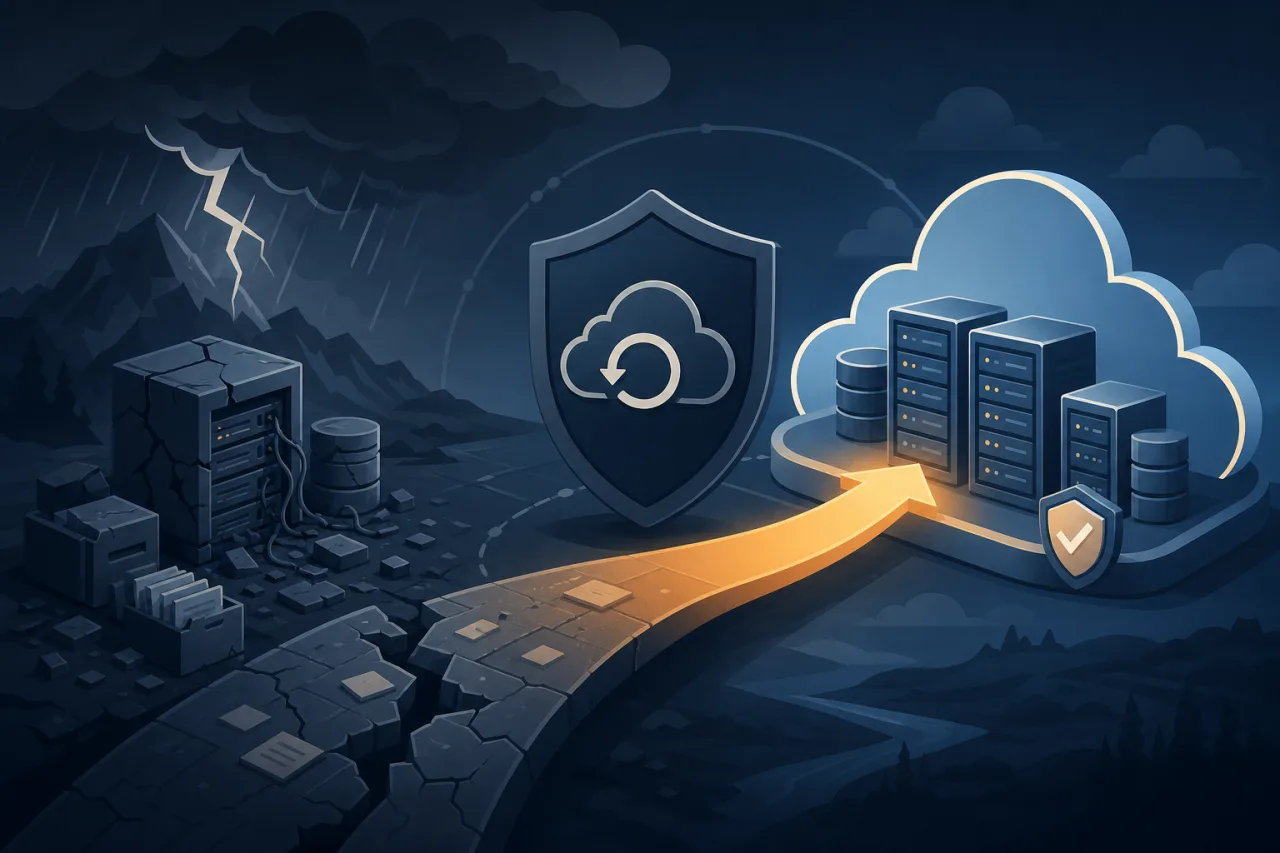
Disaster Recovery as a Service means outsourcing the infrastructure, orchestration, and — depending on the provider — the runbook execution needed to restore your systems after a major failure. You replicate workloads to a provider's environment; when your primary site goes down, you fail over to their hosted copy.
That is not the same as backup. Backup gets your data back. DRaaS gets your running systems back — databases accepting connections, application servers serving traffic, load balancers routing requests — within a defined time window.
The Two Numbers That Matter
Every DR conversation eventually comes down to two SLA metrics:
- RTO (Recovery Time Objective): How long can your systems be down? This is a business decision first, then an engineering problem.
- RPO (Recovery Point Objective): How much data loss is acceptable? An RPO of one hour means you can tolerate losing up to sixty minutes of transactions.
DRaaS providers sell tiers built around these numbers. Lower RTO/RPO costs more because it requires continuous replication and pre-warmed compute rather than cold standby resources. Before you sign anything, know your actual RTO and RPO requirements per workload — they are rarely uniform across a whole stack.
How DRaaS Works Under the Hood
Replication
Most DRaaS platforms use one of two approaches:
- Hypervisor-level replication — Agents installed on source VMs capture block-level disk changes and stream them to the provider. VMware Site Recovery and Zerto work this way.
- Storage-level replication — Changes at the storage layer are replicated, often asynchronously. This is common in pure cloud setups using services like AWS Elastic Disaster Recovery (formerly CloudEndure).
Asynchronous replication is cheaper but introduces lag — your actual RPO in production may be higher than the theoretical minimum if network throughput can't keep up with your write rate.
Failover Orchestration
The recovery environment needs to come up in the right order: databases before app servers, app servers before load balancers. DRaaS platforms let you define these dependency chains as a recovery plan. This is the part most teams underestimate — the tooling is mature, but the plan itself has to reflect your actual architecture, not a diagram from eighteen months ago.
Networking
IP address conflicts are a classic DRaaS failure point. When you fail over, your application endpoints need to be reachable. Solutions include:
- DNS-based failover (update records to point at recovery-site IPs)
- BGP anycast if you control your own ASN
- Provider-managed elastic IPs or floating IPs
Test your DNS TTLs now. A 24-hour TTL turns a fifteen-minute RTO into a fantasy.
Evaluating a DRaaS Provider
Not all DRaaS offerings are equivalent. When comparing vendors, verify:
- Supported workloads: Physical servers, VMs, containers, managed databases — coverage varies significantly.
- Testing without disruption: You must be able to run a non-disruptive failover test against an isolated network. If the vendor makes testing painful, you won't test, and your plan will rot.
- Egress costs: Replicating terabytes to a provider is cheap. Failing over and pulling that data back to your primary site later is where surprise bills appear.
- Who presses the button: Fully managed DRaaS means the provider can initiate failover. Self-service means your team does it. Understand your contract.
- Compliance scope: If you operate under HIPAA, PCI-DSS, or SOC 2 requirements, confirm the recovery environment falls inside the same compliance boundary.
The Test You Have to Run
A DR plan that has never been executed is a hypothesis. At minimum, run a full failover test annually, and ideally quarterly for critical systems. A useful test cycle:
- Spin up the recovery environment in an isolated network segment.
- Verify data integrity and replication lag at the time of test.
- Walk through the recovery plan step by step, timing each phase.
- Confirm application functionality: smoke tests, health checks, synthetic transactions.
- Document gaps and update the plan before the test environment is torn down.
- Tear down the isolated environment and verify replication resumes cleanly.
External uptime monitoring from multiple geographic regions — the kind that doesn't share infrastructure with your primary or recovery site — gives you independent confirmation that your public endpoints actually came back up during the test, not just that your internal dashboards say they did.
Key Takeaways
- DRaaS is not backup — it restores running systems, not just data.
- Define RTO and RPO per workload before evaluating any vendor.
- Asynchronous replication means your real-world RPO depends on network throughput, not just configuration.
- DNS TTLs and IP conflicts kill more DR plans than technology failures do.
- An untested DR plan is not a DR plan — schedule the test and stick to it.
- Read the egress and compute pricing before you sign; that is where the hidden cost lives.