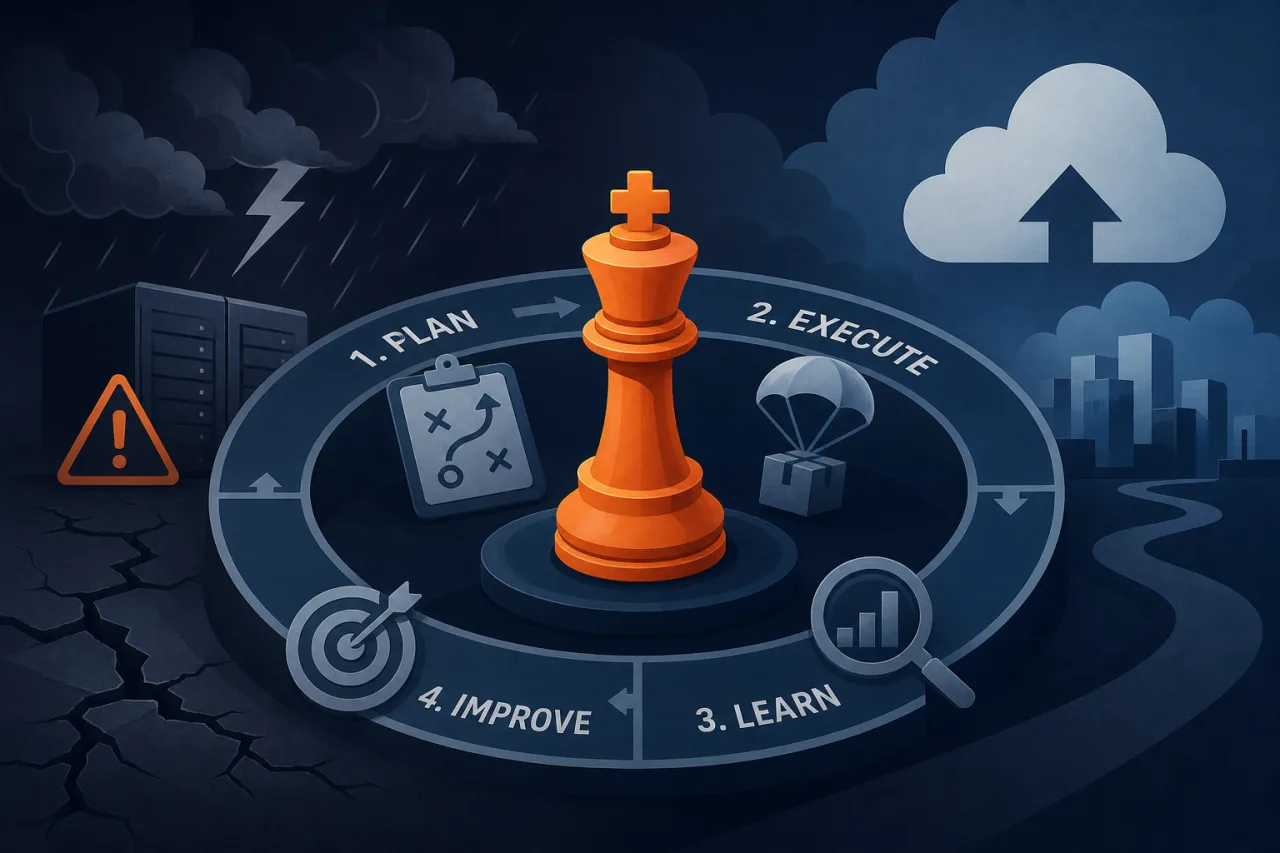
Why Bother With a Game Day?
A disaster-recovery plan that has never been tested is a hypothesis, not a plan. Game days—structured exercises where you deliberately break things in a controlled way—turn documentation into muscle memory and reveal gaps that tabletop reviews miss entirely.
The goal is not to prove your system is resilient. The goal is to find out where it isn't, cheaply, on your schedule.
Before You Start: Define Scope and Success Criteria
Vague objectives produce vague results. Before you book the calendar invite, answer these questions in writing:
- What scenario are you testing? Database primary failure, entire cloud region going offline, a bad deployment that corrupts a queue—pick one, be specific.
- What is the recovery time objective (RTO) you are targeting? If your SLA requires 99.9% uptime, you can afford roughly 8.7 hours of downtime per year. Know your number.
- What does success look like? Traffic fails over, synthetic checks go green, on-call engineer confirms with runbook—define the finish line before you start.
- What is out of scope? Explicitly state what you will not touch to avoid friendly-fire incidents.
Write this into a one-page game-day brief and share it with everyone involved at least 48 hours in advance.
Roles to Assign
Every game day needs clear ownership:
- Game master – designs the scenario, controls the timeline, injects failures.
- Responders – the on-call or DR team who treat the exercise as a real incident.
- Observers – engineers from adjacent teams, SRE leads, or a manager; they take notes without interfering.
- Safety officer – holds a kill switch and can abort if the exercise threatens real customer data or bleeds into production in an unacceptable way.
The responders should not know the exact failure vector in advance. Realistic stress-testing requires realistic surprise.
Running the Exercise
1. Prepare the environment
Stand up monitoring dashboards, open your incident-management tool, and confirm your runbooks are accessible. If you use uptime monitoring across multiple regions—like Pingy checking from several geographic vantage points—verify those checks are active so you get an independent signal rather than relying solely on internal metrics.
2. Inject the failure
The game master executes the pre-planned failure. Common injections:
- Terminate the database primary (use a script, not a console click—repeatability matters)
- Block traffic to one availability zone with a security-group or firewall rule
- Roll back a DNS record to simulate a misconfigured deployment
- Corrupt or pause a message queue consumer
Record the exact timestamp. Everything in the postmortem will be measured from this moment.
3. Observe without helping
Observers watch and document. Game master watches the clock. Responders work the incident using only the tools and runbooks they would have at 3 a.m. on a Saturday. Resist the urge to hint.
4. Call the end state
The exercise ends when either recovery is confirmed or the safety officer calls a halt. Record the timestamp. Calculate actual RTO against your target.
5. Restore and validate
Before anyone leaves the room (or the call), restore the system to a known-good state and confirm with your external monitoring that checks are passing from all regions. Do not skip this step.
The Postmortem Is the Point
Run the retrospective within 24 hours while details are fresh. Use a blameless format and focus on systems, not people.
Capture:
- A timeline of events from failure injection to recovery
- Every step that was slower than expected and why
- Runbook gaps or missing documentation
- Alerts that fired correctly, alerts that were missing, and alerts that were noisy but useless
- Action items with owners and due dates
If your monitoring fired an alert before the on-call engineer noticed anything—great, document that it worked. If it took five minutes to even detect the failure, that is your first action item.
How Often Should You Run Game Days?
There is no universal answer, but a reasonable baseline for most teams is quarterly for your most critical failure scenarios and annually for lower-priority ones. After any significant infrastructure change—a new region, a database migration, a DNS provider switch—run a targeted drill before you call the change complete.
Key Takeaways
- Define RTO targets and success criteria before the drill, not after.
- Assign a safety officer with authority to abort; this is not optional.
- Responders should treat the exercise as a real incident, including using actual runbooks.
- The postmortem within 24 hours is where the real value is captured.
- External monitoring gives you an independent, customer-perspective signal that internal dashboards cannot replicate.
- Run a targeted game day after any major infrastructure change, not just on a calendar schedule.