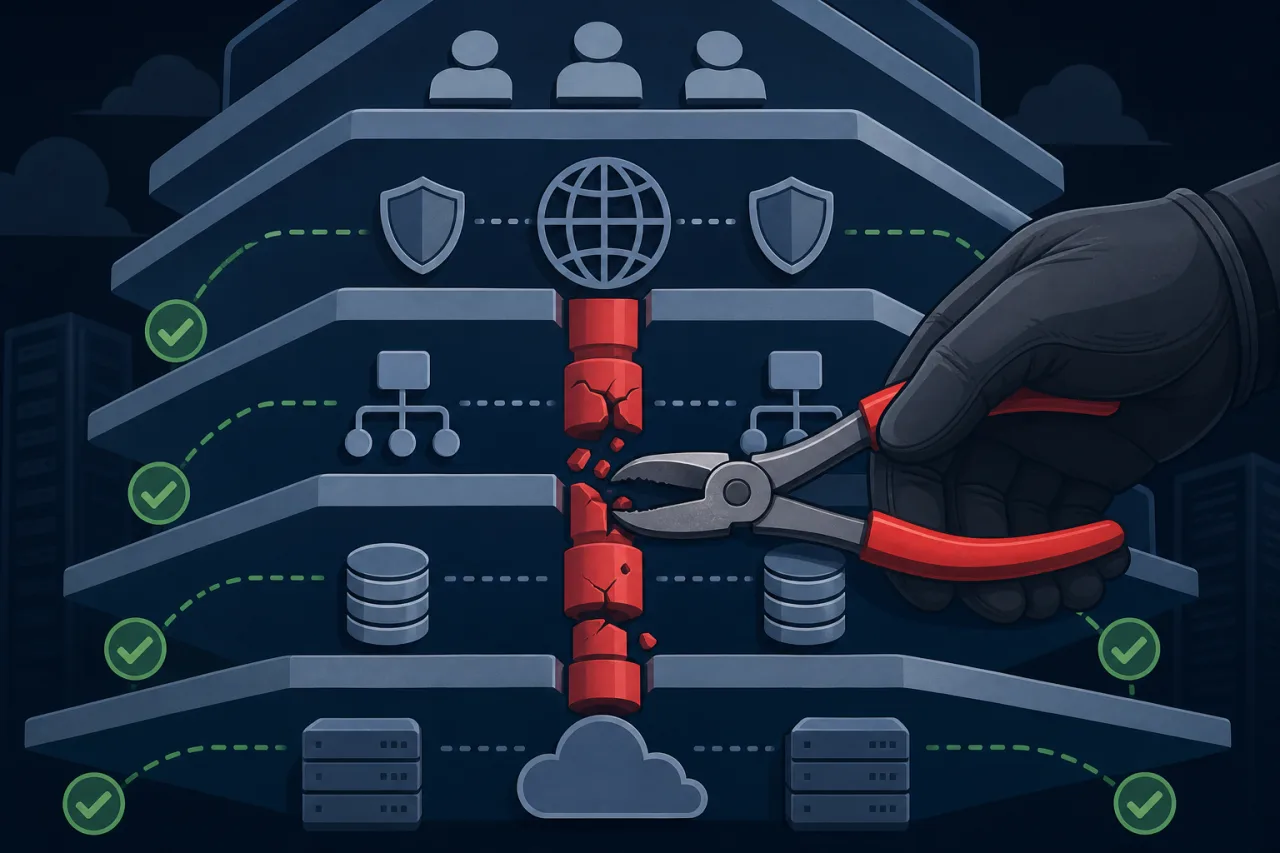
What Is a Single Point of Failure?
A single point of failure (SPOF) is any component whose failure causes the entire system to fail. The component doesn't have to be exotic — it can be a single database server, a misconfigured load balancer, or even a DNS zone managed by one provider.
The goal isn't to achieve infinite redundancy. It's to make a deliberate decision about which risks are acceptable and which aren't.
Layer-by-Layer: Where SPOFs Hide
DNS
DNS is the most overlooked SPOF. If your authoritative DNS provider goes down, your site is unreachable regardless of how redundant everything else is.
What to do:
- Use a DNS provider that runs multiple geographically distributed anycast nodes.
- Configure secondary DNS with a different provider. Most registrars and DNS hosts support AXFR zone transfers or API-based sync.
- Keep your TTLs sane — very low TTLs increase query load; very high TTLs slow down failover. 300–900 seconds is a common working range.
Load Balancing
A single load balancer is itself a SPOF. If you're running HAProxy or Nginx on one box, that box is load-bearing.
Options:
- Run two load balancers in active/passive mode using a tool like Keepalived, which moves a floating IP between nodes on failure.
- Use a managed load balancer from your cloud provider (AWS ALB, GCP Load Balancing, etc.) — these are themselves distributed and remove the operational burden.
- At the network edge, a CDN or anycast proxy (Cloudflare, Fastly) distributes traffic across many PoPs, removing the single-node concern entirely.
Application Servers
This is where most teams start, but it only matters if the layers above it are already redundant.
- Run at least two application server instances behind a load balancer.
- Use a process manager (systemd, Supervisor) or container orchestration (Kubernetes, ECS) to automatically restart failed processes.
- Make your application stateless. Session state stored locally on one app server means a user hitting a different node gets logged out. Use a shared session store (Redis, a database) instead.
Databases
Databases are hard to make redundant because they hold mutable state. Replication lag, split-brain scenarios, and failover time all require careful thought.
Replication strategies:
- Primary-replica (read replicas): Offloads read traffic and provides a warm standby, but promotion is manual unless you add an orchestration layer like Orchestrator or Patroni.
- Synchronous replication: Guarantees no data loss on failover but adds write latency.
- Managed databases: Services like Amazon RDS Multi-AZ, Cloud SQL, or PlanetScale handle promotion automatically. This is often the right call unless you have strong reasons to self-manage.
Whatever you choose, test failover. A replica that has been silently failing to replicate provides no protection.
Caches and Queues
- Redis: Run Redis Sentinel or Redis Cluster for automatic failover. A standalone Redis instance is a common hidden SPOF.
- Message queues: Managed services (SQS, Pub/Sub, CloudAMQP) are inherently more durable than self-hosted RabbitMQ on a single node.
External Dependencies
Third-party APIs, payment processors, and email providers can fail. Your code should:
- Time out aggressively rather than waiting indefinitely.
- Use circuit breakers to stop hammering a failing service.
- Degrade gracefully — if an email provider is down, queue the message; don't fail the entire user request.
Monitoring as a Redundancy Check
Redundancy only works if you know when a component fails and the failover actually happens. Monitoring from a single location can give you a false sense of security — a node might be reachable from your monitoring server but unreachable from users in another region.
Multi-region uptime checks (which is what Pingy does) let you see whether failover actually propagated globally or whether a specific region is still routing traffic to a dead node. That distinction matters when you're trying to confirm a failover worked.
Checklist: SPOF Audit for a Typical Web Stack
- DNS: Two providers or anycast; TTLs reviewed
- Load balancer: Active/passive pair or managed service
- App servers: At least two instances; application is stateless
- Database: Replication configured and failover tested
- Cache: Sentinel or cluster mode; not a single node
- Queue: Durable, managed, or clustered
- External APIs: Timeouts, circuit breakers, and graceful degradation in place
- Monitoring: Multi-region checks to verify failover from real user locations
Key Takeaways
- Start with DNS and load balancing — redundant app servers behind a single-point DNS or LB are still fragile.
- Stateless application layers are dramatically easier to make redundant.
- Replication without tested failover is not redundancy.
- Managed services trade control for operational simplicity; for most teams, that's a good trade.
- Monitor from multiple regions so you can verify that redundancy actually works when it matters.