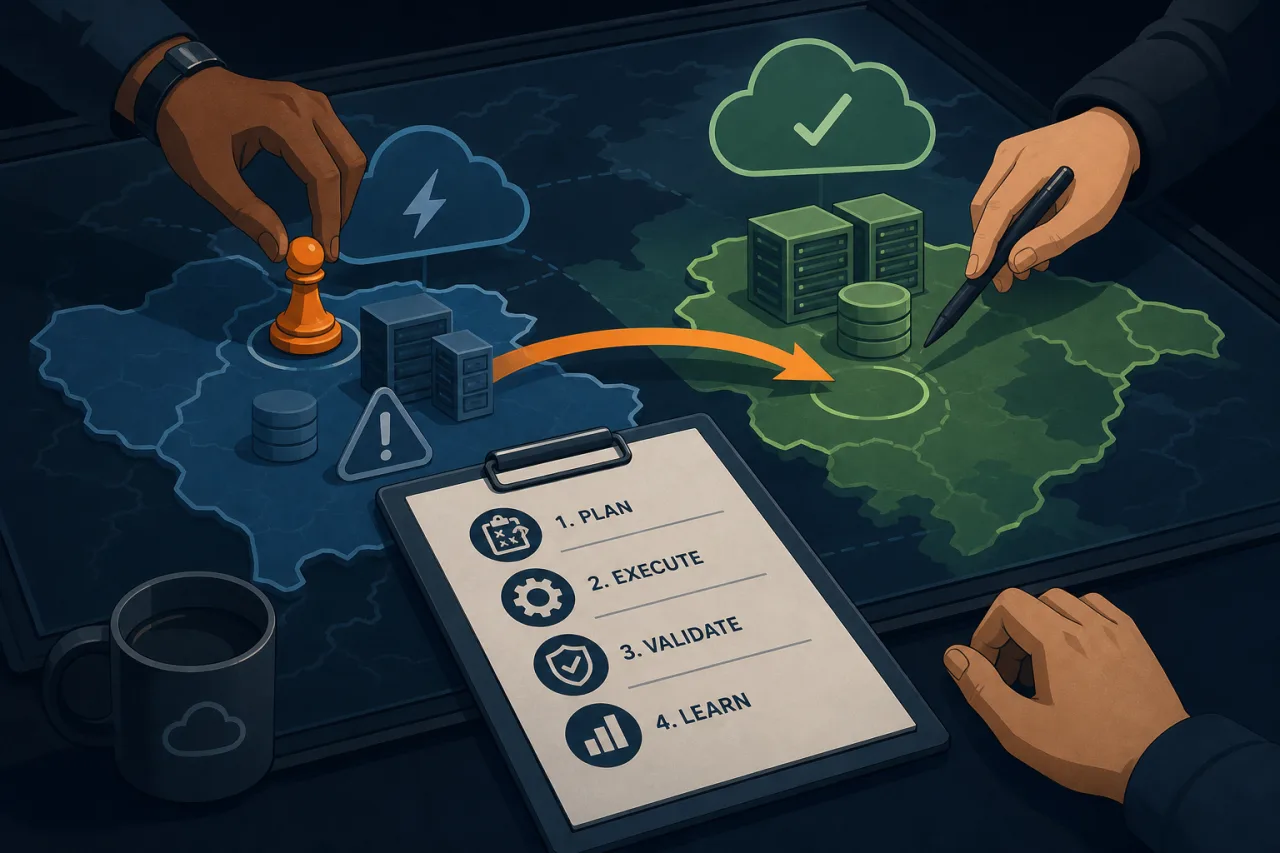
Why Bother with a Game Day?
A disaster-recovery plan that has never been tested is a hypothesis, not a plan. Game days—structured exercises where you deliberately break things in a controlled setting—turn theoretical runbooks into practiced muscle memory. They also surface the gaps that tabletop reviews miss: stale credentials, DNS TTLs nobody remembered, or an on-call rotation with a single point of failure.
The goal is not to simulate a perfect recovery. It's to learn something you didn't know before the drill started.
1. Define the Scope and Objectives
Before you schedule anything, answer these questions in writing:
- What scenario are you testing? (Region failure, database corruption, ransomware isolation, CDN outage, etc.)
- Which systems and teams are in scope?
- What is your success criterion? (e.g., "Restore read traffic to the secondary region within 30 minutes.")
- What is explicitly out of scope? Protecting production data and customer SLAs usually lives here.
Keep the first game day narrow. One failure mode, two or three teams, a clear pass/fail line. You can expand in future iterations.
2. Choose Your Environment
Ideally you run game days against a production-like staging environment. If your organization doesn't have one, you have two options:
- Shadow mode: Replicate production traffic to a parallel stack and fail that over.
- Low-traffic production window: Execute during the quietest window in your traffic profile, with customer-impact kill switches ready.
Never run an untested DR exercise directly against production without explicit executive sign-off and a hard abort criteria defined in advance.
3. Write the Scenario Script
A scenario script is not a runbook—it's the facilitator's guide. It should include:
- T-0 event description — the injected failure and how it will be triggered.
- Observable symptoms — what monitoring alerts or dashboards will show.
- Inject timeline — any follow-on complications to add realism (e.g., "At T+10 min, inject elevated error rates on the backup DB.").
- Halt conditions — criteria that pause or abort the exercise (actual production incident, safety concern).
- Information embargo — which participants know the scenario in advance and which don't.
Keeping some responders blind to the scenario tests your detection and communication process, not just the technical recovery steps.
4. Set Up Observability Before You Break Anything
You cannot evaluate a recovery you cannot see. Before T-0:
- Confirm your dashboards, log aggregation, and alerting are working.
- Set up an external uptime check from outside your infrastructure. If your monitoring lives inside the same region you're failing over, it will fail with everything else. Multi-region uptime monitors (Pingy checks from distributed probe locations) give you a ground-truth view of what users actually experience during and after the failover.
- Open a dedicated incident channel and a separate facilitator channel. Keep observer commentary out of the responder's workspace.
5. Run the Exercise
The facilitator's job is to inject failures per the script, track the timeline, and record observations without coaching responders.
The responders' job is to treat it like a real incident: declare severity, page the right people, follow or adapt the runbook, and communicate status.
Capture timestamps for every significant action:
- When the failure was injected
- When monitoring fired the first alert
- When the incident was declared
- When each recovery action was taken
- When service was restored
These timestamps are the raw material for your retrospective.
6. Run a Blameless Retrospective Within 48 Hours
Don't let the learning decay. Hold a retrospective while the details are fresh. Structure it around:
- Timeline reconstruction — walk through the captured timestamps together.
- What went well — reinforce behaviors you want repeated.
- What didn't go as expected — focus on process and tooling, not individuals.
- Action items with owners and due dates — every gap identified needs a ticket before the retro ends.
Common findings include: runbooks that assume knowledge not in the document, alert thresholds that fired too late, and communication gaps between on-call and leadership.
7. Iterate and Schedule the Next One
One game day is an event. A recurring cadence is a program. Most mature teams run DR exercises quarterly for critical systems and annually for lower-priority ones. Rotate the scenarios so you're not just practicing the same failover repeatedly.
After each cycle, update your runbooks with what you learned and re-test the specific gaps you found.
Key Takeaways
- Define a narrow, explicit success criterion before the exercise starts.
- Run game days in a production-like environment; document your abort criteria if you're touching production.
- Keep some responders blind to test detection, not just recovery.
- External, multi-region monitoring gives you an unbiased view of user impact during a failover.
- Hold the retrospective within 48 hours and close every gap with an assigned owner.
- Schedule the next game day before you leave the retrospective.