Why Status Pages Matter
When your service goes down, users notice before you do. They hit refresh, check their own connection, and then—if they can't find answers—flood your support queue or post on social media. A status page gives them somewhere to look and something to read. It shifts the conversation from "is anyone even aware of this?" to "okay, they're working on it."
This isn't about optics. It's about reducing noise so your team can focus on the actual incident.
What to Put on a Status Page
A useful status page answers three questions at any moment:
- Is the service up right now? A clear, current operational status per component—not a single green badge that covers everything.
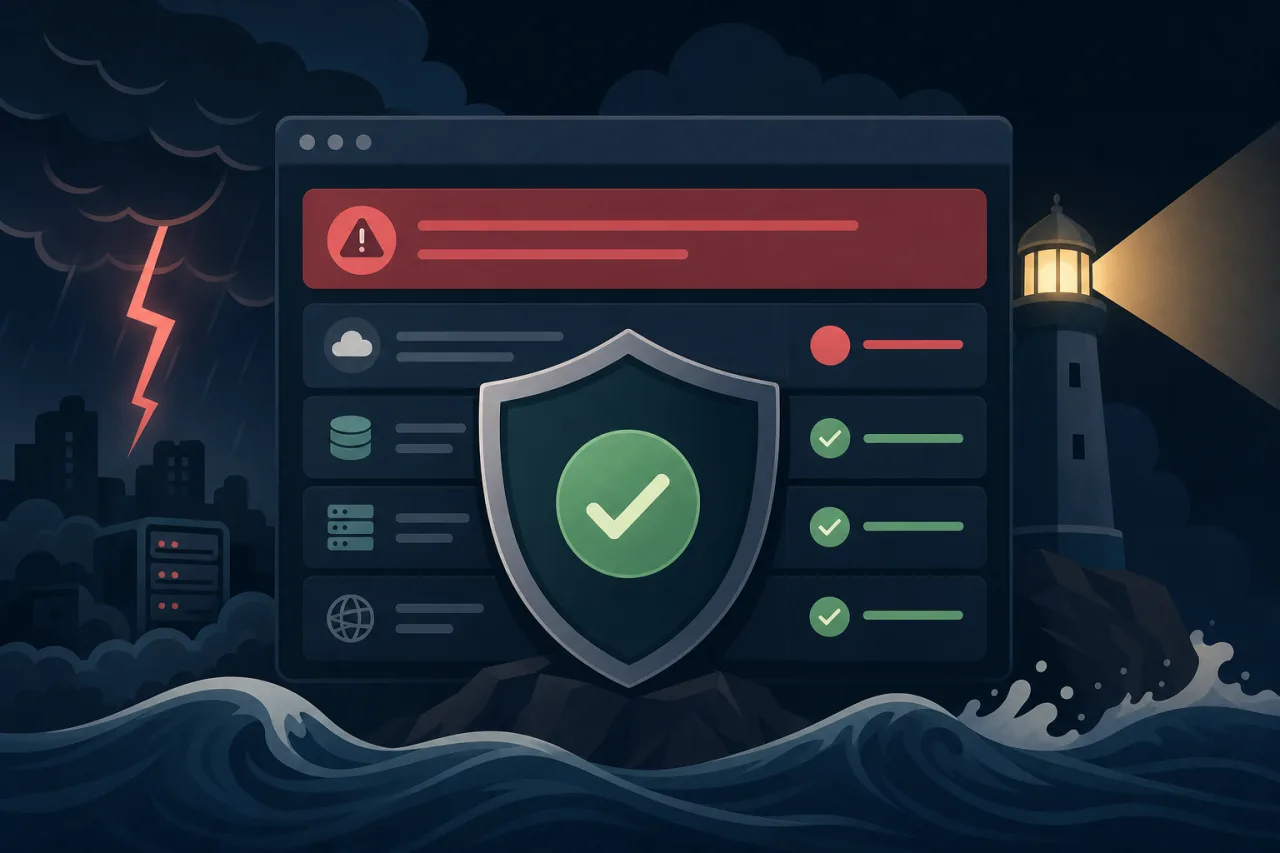
- If something is wrong, what is affected? Break your service into components: API, dashboard, webhooks, data ingestion, third-party integrations. Users can then determine whether their workflow is impacted.
- What is happening and when? A timestamped incident timeline, written in plain language.
Avoid the temptation to lump everything under one status indicator. A user whose webhook delivery is failing doesn't care that your marketing site is fine.
Writing Good Incident Updates
This is where most teams struggle. The instinct is to wait until you have something definitive to say. Resist it.
Post early, even without answers
Your first update should go out within minutes of detection—even if it only says:
We are investigating reports of elevated error rates on the API. We'll post an update in 30 minutes.
That single sentence does real work: it confirms you know, sets an expectation, and buys you time.
Use a consistent update cadence
Decide on a cadence at the start of the incident and stick to it—every 20 minutes, every 30 minutes, whatever fits the severity. If you miss your own deadline, users notice.
Write for the reader, not the postmortem
Keep updates short and jargon-light. Include:
- Current status — what is broken or degraded right now
- What you know — root cause if identified, or what you've ruled out
- What you're doing — the specific action in progress
- Next update time — a concrete timestamp, not "soon"
Avoid vague phrases like "we are monitoring the situation." Say what you are actually monitoring and why it matters.
Mark resolution clearly
When the incident is over, say so explicitly and summarize what happened. Leave the incident record visible—don't delete it. A history of resolved incidents builds more trust than a page that's always green.
Detecting Incidents Before Users Do
A status page is only as good as the detection feeding it. If a customer emails you before your monitoring fires, you've already lost the first round.
Multi-region uptime monitoring helps here because a single-location check can miss failures that are geographically scoped. If your service is reachable from one region but returning timeouts from another, a monitor running from only one location will show green while real users see errors. Services like Pingy run checks from multiple locations so you can catch partial outages and update your status page before the reports start coming in.
Once you have reliable detection, wire it directly into your status page workflow: an automated alert should trigger the on-call engineer and open a draft incident on the status page simultaneously.
Practical Setup Checklist
Before your next incident, make sure you have these in place:
- Status page is on a separate domain or CDN from your main product (it should stay up when your app is down)
- Components are defined granularly enough to be useful
- On-call runbook includes the step "post initial status page update within 10 minutes of incident declaration"
- Monitoring alerts are configured to page the right person, not just send an email
- Subscribers can opt in to email or SMS notifications for updates
- Post-incident summaries are written and published within 48 hours for significant outages
- Status page URL is linked from your docs, dashboard, and support contact page
After the Incident
A short post-incident summary—even two or three paragraphs—closes the loop for users who followed along. It doesn't need to be a full postmortem. Cover what broke, why, and what you've done to prevent a recurrence. Publishing it publicly signals that you take reliability seriously and that you're not hiding anything.
Key Takeaways
- Post your first update fast, even without a root cause—acknowledgment matters more than answers at that moment.
- Break your status page into components so users can assess their own impact.
- Commit to a fixed update cadence and announce it in your first update.
- Host your status page independently so it survives an outage of your main infrastructure.
- Multi-region monitoring closes the gap between an incident starting and your team knowing about it.
- Leave resolved incidents visible—a clean history builds trust over time.