Why Status Pages Exist
When your service is degraded, users notice before you do. Without a canonical place to check, they file support tickets, post on social media, and assume the worst. A status page gives them somewhere authoritative to look — and buys your team time to focus on the actual fix instead of fielding duplicate "is it down?" messages.
A good status page is not a PR exercise. It is operational infrastructure.
What Belongs on a Status Page
Components and their states
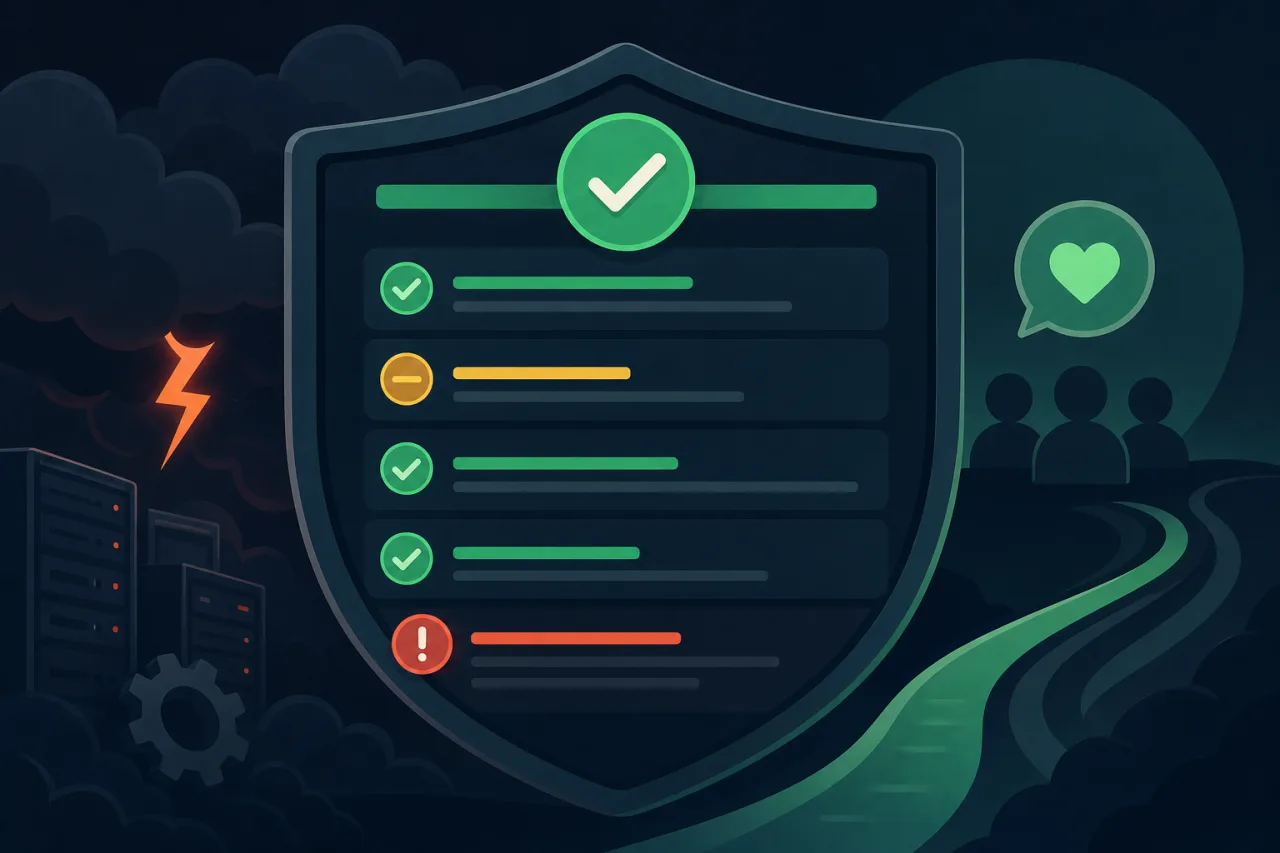
Break your service into meaningful components — API, dashboard, webhooks, database, CDN edge — and show a status for each. "Operational", "Degraded Performance", "Partial Outage", and "Major Outage" are the standard four states. Resist the urge to define a dozen custom states; nobody remembers them under pressure.
Avoid a single global "All Systems Operational" indicator. If your webhooks are timing out but the dashboard loads fine, say so. Users with webhook-dependent integrations need that specificity to triage on their end.
Incident history
Keep a visible log of past incidents with timestamps, what happened, and what you changed. This builds trust over time and gives enterprise customers evidence for their own post-mortems.
Subscriptions
Offer email and RSS at minimum. SMS and Slack/Teams webhooks are table stakes for most B2B products. The goal is zero-friction opt-in so affected users receive updates without polling.
The Incident Workflow
This is where most teams stumble. Having a status page means nothing if updates lag the outage by an hour.
1. Detect and confirm
Confirm impact from multiple signals before publishing a status update. Regional probes help establish scope, but they cannot prove that every affected user has the same experience.
2. Post a holding update within five minutes
The first post does not need answers. It needs acknowledgment:
Investigating — We are aware of reports of elevated error rates on the API. We are investigating and will update in 30 minutes.
This single post stops the flood of inbound tickets. Set a timer for your next update before you do anything else.
3. Update on a regular cadence
Commit to a cadence — every 30 minutes is common — and stick to it even if the update is "still investigating, no new findings." Silence reads as abandonment.
Each update should include:
- Time (always use UTC or explicitly note the timezone)
- Current status — what you know right now
- Impact scope — who is affected and to what degree
- Next update time — a specific timestamp, not "soon"
4. Resolve and write a summary
When the incident is resolved, post a final update that briefly describes what happened and what immediate action you took. This is not the full post-mortem — that can come later — but users deserve a one-paragraph explanation, not just a status flip to green.
5. Publish a post-mortem (when warranted)
For significant outages, link a post-mortem from the incident history within a few days. Include timeline, root cause, and concrete follow-up actions with owners. Avoid passive voice and blame-free language that avoids all specifics; vague post-mortems damage trust more than the incident itself.
Common Mistakes to Avoid
- Updating the status page after the incident is already trending on social media. Users should read it there first, not find out from a tweet.
- Marking incidents resolved before they are actually stable. Give yourself a 15–30 minute observation window before flipping to green.
- Using internal jargon. "The primary Postgres replica promoted incorrectly" is fine internally; "a database configuration issue caused write failures" is what goes on the page.
- Letting the page go stale between incidents. Run scheduled maintenance notices through it. Regular activity signals the page is maintained and trustworthy.
- Hosting the status page on the same infrastructure as the product. If your app is down, your status page should still load. Use a separate hosting provider or a dedicated service.
Tooling Notes
You can build a status page with static site generators and a simple JSON data file, use open-source options like Cachet or Upptime, or use hosted services. The right choice depends on your reliability requirements and how much you want to maintain. Whatever you choose, automate what you can — auto-creating incidents from monitor alerts removes the human delay that makes users distrust status pages.
Key Takeaways
- Post an acknowledgment within five minutes of confirmed impact, even without answers
- Break status into meaningful service components, not a single global indicator
- Commit to a fixed update cadence and publish every update on schedule
- Host the status page independently from the services it reports on
- Close every incident with a summary; add a full post-mortem for significant events
- Automate incident creation from your monitoring alerts to eliminate human lag