What DRaaS Is (and Isn't)
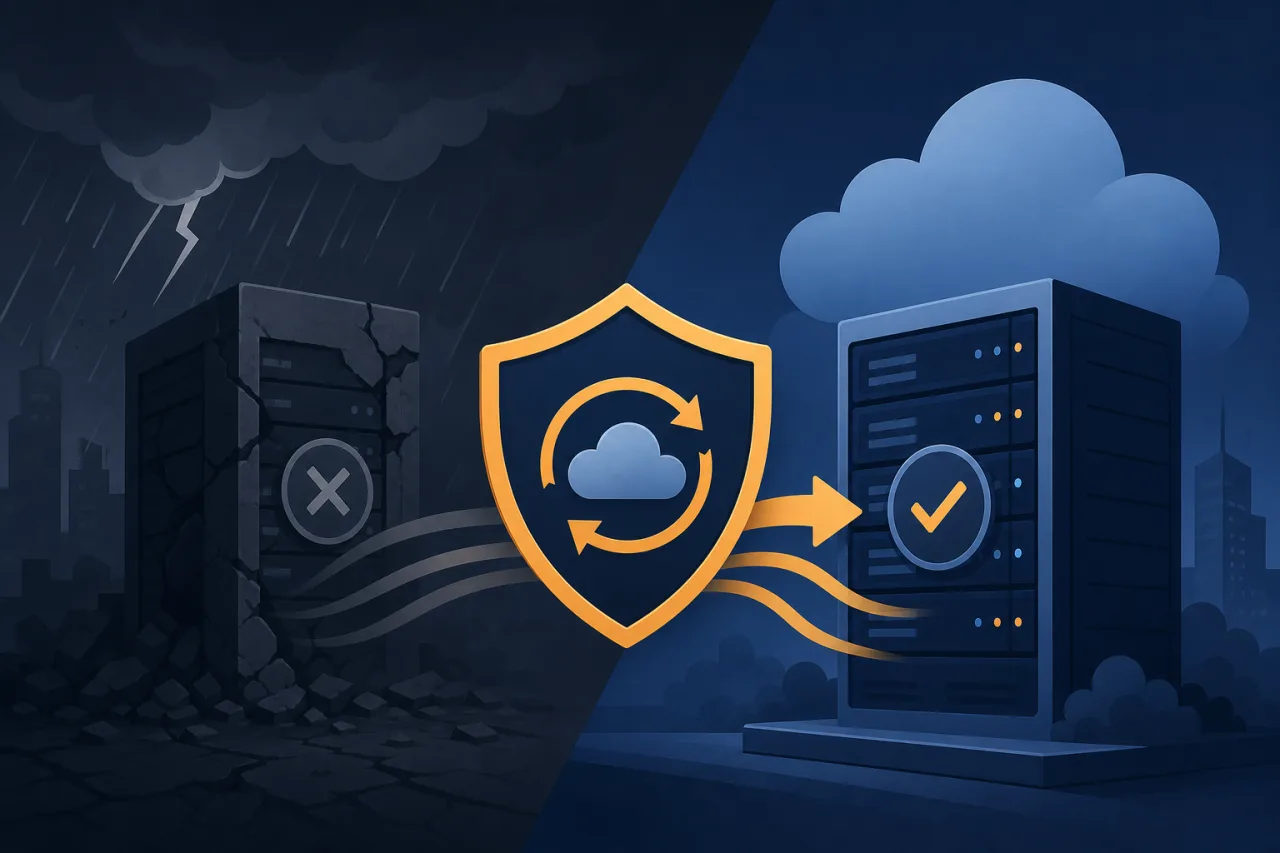
Disaster Recovery as a Service (DRaaS) is the continuous replication of your infrastructure, data, and application state to a third-party or cloud-hosted environment, combined with orchestrated failover so you can restore operations quickly after a catastrophic failure.
That last part is what separates DRaaS from plain backup. A backup is a copy of your data. DRaaS is a runnable duplicate of your environment with a tested process for switching to it. You can restore from backup in hours or days. A well-configured DRaaS setup targets recovery in minutes.
Core Concepts Before You Buy Anything
RTO and RPO
Every DRaaS conversation starts with two numbers:
- RTO (Recovery Time Objective): How long can your service be unavailable? Four hours? Fifteen minutes?
- RPO (Recovery Point Objective): How much data can you afford to lose? One day's worth? One minute's worth?
These aren't aspirational — they're contractual commitments that shape every architectural decision. A sub-minute RPO requires near-synchronous replication; a four-hour RPO might be fine with hourly snapshots. Know your numbers before evaluating any vendor.
Replication vs. Snapshot-Based DRaaS
Replication-based DRaaS continuously streams block-level or log-based changes to the DR site. Products like Zerto, Veeam, and AWS Elastic Disaster Recovery work this way. RPOs as low as seconds are achievable.
Snapshot-based DRaaS takes periodic point-in-time copies — think hourly or daily. It's cheaper and simpler, but your RPO is bounded by the snapshot interval. Acceptable for non-critical workloads; rarely acceptable for transactional systems.
How a Typical DRaaS Architecture Looks
A stripped-down production → DR topology:
- Primary site runs your live workload (on-prem, cloud region A, or a co-lo).
- Replication agent or native cloud mechanism continuously pushes changes to the DR site.
- DR site (cloud region B, or a managed DRaaS provider's infrastructure) holds warm or hot standby VMs, containers, or managed database replicas.
- Orchestration layer handles failover sequencing — which services come up in what order, with what DNS or load-balancer changes.
- Runbook documents every manual step that orchestration doesn't handle.
The runbook is the part teams skip. Don't skip it.
Choosing a DRaaS Approach
| Approach | Best for | Watch out for |
|---|---|---|
| Cloud-native (AWS DRS, Azure Site Recovery) | Workloads already in that cloud | Egress costs during replication |
| Third-party SaaS (Zerto, Veeam, Druva) | Multi-cloud or on-prem primary | Licensing complexity |
| DIY with Terraform + read replicas | Teams with strong IaC maturity | Orchestration you own entirely |
There's no universally correct choice. A fintech running on-prem Oracle will have a very different answer than a SaaS startup on AWS.
The Testing Problem
DRaaS that isn't tested regularly is a false sense of security. The standard practice:
- Tabletop exercises: Walk through the runbook verbally with the team. Low cost, catches obvious gaps.
- Isolated failover tests: Spin up the DR environment in a network-isolated bubble, verify application functionality, then tear it down. Do this quarterly at minimum.
- Live failover drills: Actually cut traffic to the DR site, measure real RTO, then fail back. Painful but necessary at least once a year.
Document what broke during each test. The goal isn't a perfect drill — it's finding failure modes before a real incident does.
Where Uptime Monitoring Fits In
DRaaS handles recovery after you know something is wrong. Multi-region uptime monitoring — checking your endpoints from multiple geographic locations simultaneously — shortens the time between failure and that knowledge.
If your primary region goes dark and your monitoring only runs from a single location inside that region, you might not get an alert at all. Monitoring from external, geographically distributed probes means you detect the failure independently of your own infrastructure. That detection latency directly affects your real-world RTO.
Pre-Failover Checklist
Before you ever need to pull the trigger on a DR failover, confirm:
- RTO and RPO are documented and signed off by stakeholders
- Replication lag is monitored and alerted on (not just assumed to be fine)
- DNS TTLs are set low enough to make failover practical
- Secrets, certificates, and environment variables exist in the DR environment
- Database connection strings and service endpoints are parameterized, not hardcoded
- Runbook is version-controlled and accessible outside your primary infrastructure
- At least one isolated failover test has been completed successfully
- On-call team knows where the runbook is at 2 a.m.
Key Takeaways
- DRaaS is not backup. It's a runnable duplicate with a tested failover process.
- Define RTO and RPO first. They determine everything else.
- Replication-based DRaaS offers low RPO; snapshot-based is cheaper but coarser.
- Your DR plan is only as good as your last successful test.
- The runbook matters as much as the technology.
- External, multi-region monitoring closes the detection gap that DRaaS alone cannot.