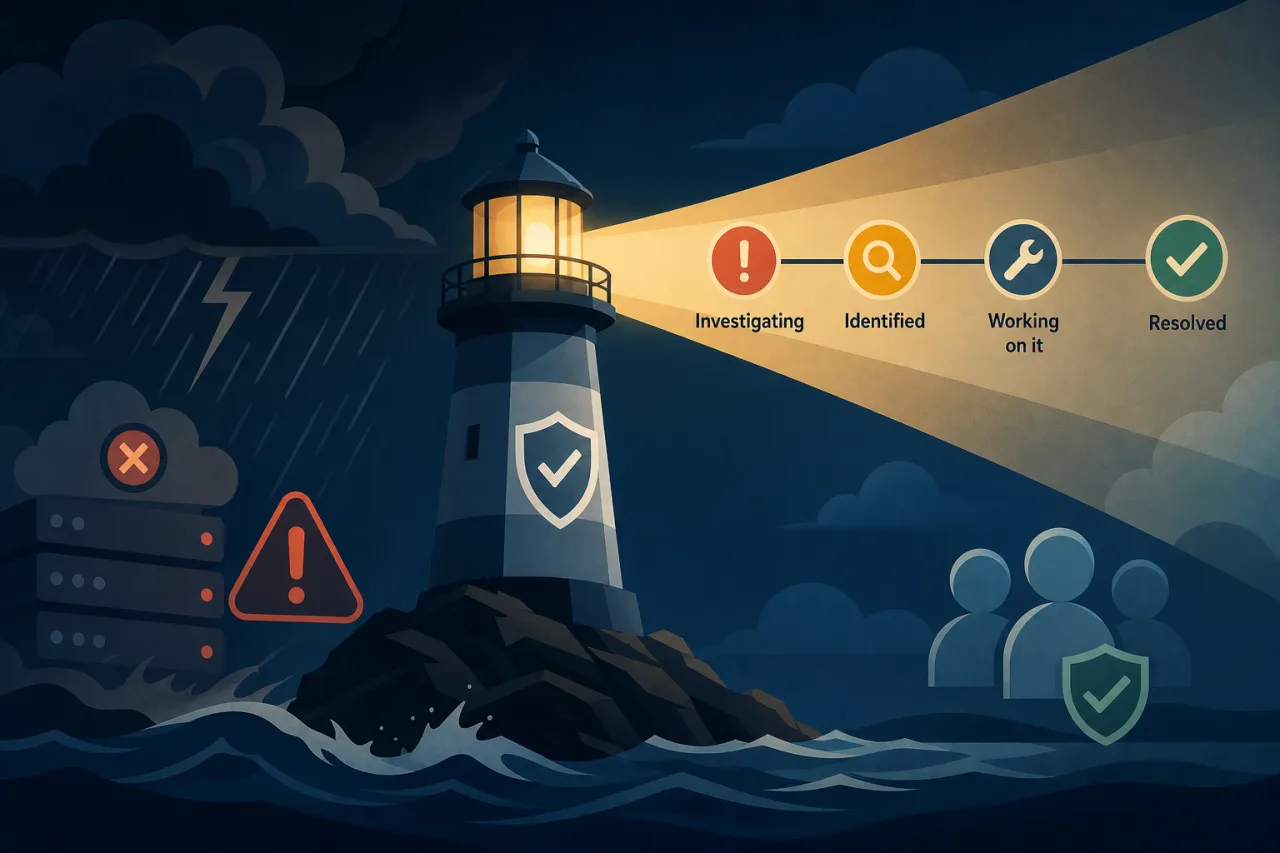
Why Your Status Page Is an Incident Tool, Not a Trophy
Most teams treat the status page as something to set up once and forget. Then an outage hits, the page still shows all-green, and support tickets pile up from users who assume you don't know there's a problem—or worse, that you do and aren't saying anything.
A status page is a real-time communication channel. Done well, it reduces support load, builds trust, and gives your on-call team one less thing to manage manually. Done poorly, it actively makes incidents worse.
Post Early, Even When You Know Nothing
The most common mistake is waiting until you have a root cause before posting anything. Don't. Users who can see something is wrong will fill the silence with their own conclusions.
Your first update can be minimal:
Investigating – We are seeing elevated error rates affecting [service]. We are investigating and will update within 30 minutes.
That's enough. It tells users you're aware, sets a timeline expectation, and stops a wave of duplicate support tickets.
Aim to post a first update within 5–10 minutes of declaring an incident, even if that update is just "we're looking into it."
The Update Cadence That Works
Silence during an incident is interpreted as no progress. Set a regular cadence and stick to it, even if your update is "still investigating, no new information yet."
A reasonable cadence:
- Every 15–30 minutes during active investigation
- Every 30–60 minutes during a prolonged incident where the problem is understood but resolution is in progress
- One final update when the incident is resolved, including a short summary of what happened
Miss your own stated interval and users notice. If you say "we'll update in 30 minutes," set a timer.
What to Actually Write
Each status update should answer three questions:
- What is affected? Be specific—"checkout is failing for users in the EU region" is more useful than "some users may experience issues."
- What are you doing about it? "We've identified a misconfigured load balancer and are rolling back the change" is far better than "our team is working on it."
- When will you update next? Give a concrete time, not "soon."
Avoid corporate hedging language. "Some users may be experiencing degraded performance" when your service is completely down destroys credibility. Match the language to the actual severity.
Severity Levels Worth Defining in Advance
Having pre-defined severity tiers means you're not making judgment calls mid-incident:
- Degraded Performance – Elevated latency or error rates below a threshold, partial impact
- Partial Outage – A subset of users or regions affected, core functionality impaired
- Major Outage – Widespread impact, core functionality unavailable
Map these to your monitoring alerts so the status page update is a natural output of your incident declaration, not an afterthought.
Detection: You Shouldn't Be Last to Know
One practical prerequisite for good status page communication is knowing about the incident before your users do. This sounds obvious, but it's common for teams to learn about outages from support tickets or social media.
Multi-region uptime monitoring—where checks run from several geographic locations simultaneously—helps here. A single-region check can miss failures that are localized to one edge or region, or produce false positives when the monitoring node itself has a problem. When Pingy (or any multi-region monitoring tool) sees consistent failures across regions, you get a higher-confidence signal and can open an incident earlier.
The goal is that your monitoring fires before the first user hits the error. That buys you the time to post that initial "we're investigating" update before the inbound noise starts.
The Post-Incident Update
When the incident is resolved, don't just flip the status to green and disappear. Write a brief resolution update:
- What was the impact (duration, affected services)
- What caused it (a sentence or two, not a full post-mortem)
- What you're doing to prevent recurrence
This doesn't need to be long. Two short paragraphs is fine. It closes the loop for anyone who was watching the page and gives them something concrete to share internally.
If you publish a full post-mortem later, link to it from the incident on your status page.
Automate the Routine Parts, Not the Judgment
Some teams auto-update their status page when monitoring thresholds are crossed. This is useful for the initial detection step—automatically opening an incident and posting a first notice. But keep a human in the loop for the actual update text. Automated messages like "Automated alert: p99 latency exceeded threshold" read as noise to users who want to know what's happening in plain language.
Use automation to trigger and close; use humans to communicate.
Key Takeaways
- Post a first update within 5–10 minutes, even if you don't have a cause yet
- Set a regular update cadence and announce it in each post
- Be specific about what is affected and what you're doing—avoid vague hedging
- Define severity levels and status page workflows before an incident happens
- Multi-region monitoring helps you detect incidents before your users do
- Always post a resolution update that closes the loop with a brief explanation
- Automate detection and initial alerts; keep humans writing the actual updates