The Short Version
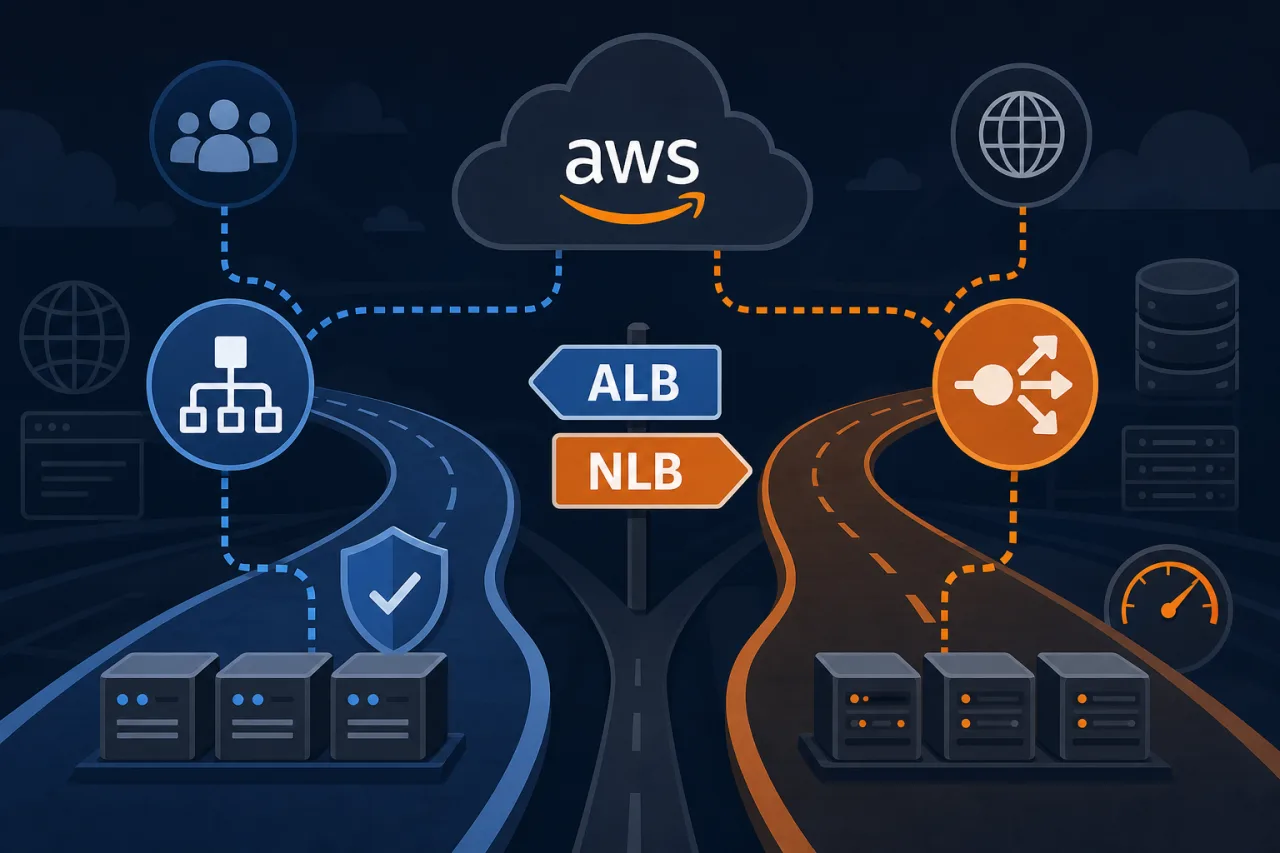
AWS gives you two mature load balancer options under the Elastic Load Balancing umbrella: Application Load Balancer (ALB) and Network Load Balancer (NLB). They solve different problems at different layers of the stack. Picking the wrong one costs you either missing features or unnecessary latency — sometimes both.
What Layer They Operate At
This is the foundational difference.
- ALB operates at Layer 7 (HTTP/HTTPS). It can inspect the request — path, hostname, headers, query strings, HTTP method — and route based on any of that.
- NLB operates at Layer 4 (TCP/UDP/TLS). It sees packets, not HTTP semantics. It routes based on IP protocol data and port.
If your routing logic depends on anything inside the HTTP envelope, you need ALB. If you're moving raw TCP or UDP traffic and need to get out of the way as fast as possible, NLB is the right tool.
When to Use ALB
ALB is the default choice for most web applications and APIs. Use it when you need:
- Path-based or host-based routing — send
/api/*to one target group and/static/*to another, or routeapp.example.comdifferently fromadmin.example.com - HTTP/2 and gRPC support — ALB terminates and understands these protocols natively
- Authentication offloading — ALB integrates with Cognito and OIDC providers so your application doesn't have to handle auth flows itself
- WebSocket connections — ALB handles the upgrade and maintains the connection
- WAF integration — attach AWS WAF rules directly to the ALB listener
- Sticky sessions via cookies — useful for stateful apps not yet behind a shared session store
ALB also gives you rich access logs and detailed CloudWatch metrics per target group, which makes debugging traffic distribution straightforward.
When to Use NLB
NLB trades feature richness for performance and protocol flexibility. Reach for it when:
- Ultra-low latency matters — NLB adds microseconds of overhead, not milliseconds. For financial systems or real-time game servers this is meaningful.
- You need a static IP or Elastic IP per AZ — ALB IPs are dynamic. NLB gives you fixed IPs you can hard-code in firewall allowlists or give to partners.
- You're load balancing non-HTTP protocols — MQTT, FIX, custom TCP protocols, DNS (UDP), SIP — ALB simply can't inspect or route these.
- You need to preserve the client source IP at the network layer — NLB passes the real client IP directly to targets (with proxy protocol or by design with IP targets), without needing X-Forwarded-For header parsing.
- High throughput with millions of connections — NLB scales to handle extreme connection counts with no pre-warming needed.
A Note on TLS Termination
Both load balancers can terminate TLS. ALB is more flexible here for HTTP workloads (SNI, certificate management via ACM). NLB TLS termination is useful when you want encryption in transit but still need the raw TCP performance profile.
The Architecture Decision in Practice
Here's a simple decision path:
- Is the traffic HTTP or HTTPS? If yes, start with ALB.
- Do you need content-based routing, auth offload, or WAF? ALB.
- Do you need a static IP, non-HTTP protocol, or sub-millisecond added latency? NLB.
- Do you have strict firewall allowlist requirements from enterprise customers? NLB with Elastic IPs.
- Are you running both — e.g., public HTTPS traffic and internal gRPC? You can run an ALB in front of public traffic and an NLB internally, or use ALB's native gRPC support to simplify the stack.
One pattern worth knowing: you can register an NLB as a target behind an ALB using AWS PrivateLink. This lets you expose a fixed-IP NLB endpoint through an ALB with WAF and routing rules on top.
Monitoring Across Both
Whichever you choose, your load balancer is a chokepoint — if it degrades, everything behind it degrades. CloudWatch gives you metrics like HealthyHostCount, TargetResponseTime (ALB), and ActiveFlowCount (NLB), but it only tells you what AWS sees internally.
External uptime monitoring from multiple regions (like Pingy) fills the gap by checking whether real requests succeed end-to-end, including DNS resolution, TLS handshake, and response correctness. A healthy CloudWatch dashboard and a failed external probe together tell you exactly where the fault is.
Key Takeaways
- ALB is Layer 7; NLB is Layer 4. That single fact drives most decisions.
- Use ALB for HTTP/HTTPS workloads where you need routing logic, auth offload, or WAF.
- Use NLB when you need static IPs, non-HTTP protocols, or maximum throughput with minimal overhead.
- Both support TLS termination; choose based on what else you need.
- Your load balancer is a monitoring boundary — combine internal CloudWatch metrics with external synthetic checks to get full visibility.