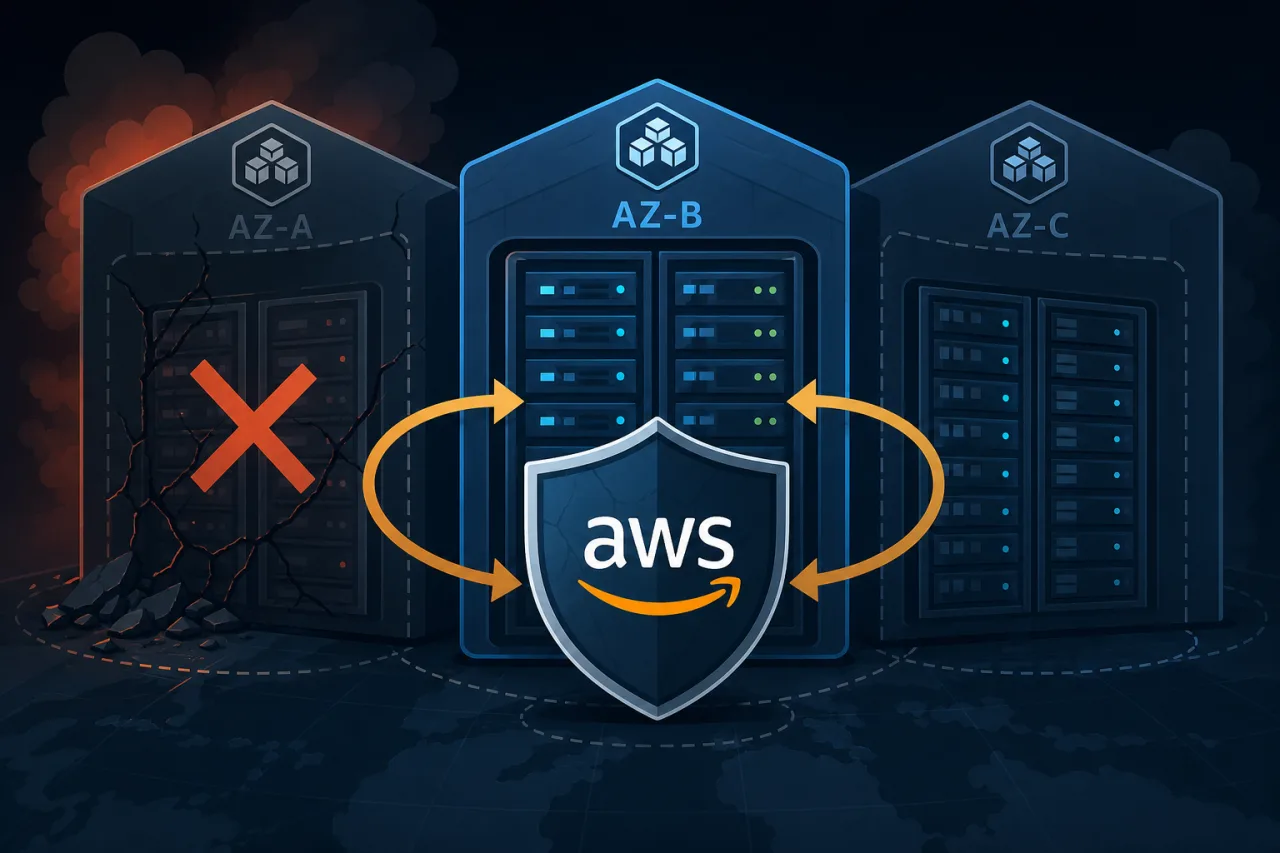
What Actually Happens During an AZ Failure
AWS Availability Zones are physically separate data centers within a region, each with independent power, cooling, and networking. Despite that isolation, AZ-level failures do happen — hardware faults, networking events, or power issues can take an AZ offline or degrade it enough to cause cascading errors.
When that happens, any resource you've pinned to a single AZ — an EC2 instance, an RDS primary, an internal load balancer — becomes unavailable. If your architecture didn't account for this, you're now in an incident.
The goal of multi-AZ design isn't redundancy for its own sake. It's making sure your system can absorb the loss of one AZ and keep serving traffic while you investigate.
Core Building Blocks
Load Balancing Across AZs
Application Load Balancers (ALB) and Network Load Balancers (NLB) are inherently multi-AZ — you assign them subnets in at least two AZs, and they distribute traffic automatically. Enable cross-zone load balancing so that a healthy AZ can absorb traffic even if the target distribution is uneven after a failure.
Make sure your target groups have healthy instances registered in every AZ you've configured. A load balancer can't save you if all your instances happen to be in the failed zone.
EC2 and Auto Scaling
Create your Auto Scaling Groups (ASGs) with subnets spanning at least three AZs. Set your DesiredCapacity such that losing one AZ still leaves enough capacity to handle your peak load — if you need six instances to handle peak traffic, run nine (three per AZ) so the remaining six can absorb the load.
Use the AZRebalance process (enabled by default in ASGs) carefully: it will try to rebalance instances after an AZ recovers, which can cause unnecessary churn. Some teams disable it during recovery windows.
RDS Multi-AZ
For RDS, enabling Multi-AZ provisions a synchronous standby replica in a different AZ. Failover is automatic and typically completes in 60–120 seconds. Your application reconnects via the same DNS endpoint — no configuration change needed.
A few things to know:
- Read replicas are not the same as Multi-AZ standby. Replicas are asynchronous and won't automatically promote.
- Aurora uses a shared distributed storage layer that is inherently multi-AZ, and its failover is generally faster than standard RDS Multi-AZ.
- Test your failover. Use the RDS console's "Reboot with failover" option and confirm your application reconnects correctly and within your RTO.
Elasticache and Other Stateful Services
Elasticache for Redis supports Multi-AZ with automatic failover when you enable cluster mode or configure a replication group with a primary in one AZ and replicas in others. Same principle: configure it, then test it.
Deployment and Networking Checklist
Before you consider your architecture multi-AZ ready, verify each of these:
- VPC subnets exist in at least two (preferably three) AZs
- ALB/NLB configured with subnets in all target AZs
- Cross-zone load balancing enabled on load balancers
- ASG spans all AZs with capacity headroom for AZ loss
- RDS Multi-AZ or Aurora with at least one replica in a different AZ
- Elasticache replication group with multi-AZ failover enabled
- Security groups and NACLs are not inadvertently AZ-specific
- NAT Gateways deployed per AZ (one shared NAT Gateway is an AZ-level single point of failure)
- Internal service discovery (Route 53 private hosted zones, AWS Cloud Map) resolves to healthy endpoints after a failure
- Failover has been tested, not just configured
Testing Your Failover
Configuration without testing is a hypothesis. A few practical approaches:
- Terminate EC2 instances in one AZ manually and confirm the ASG replaces them and traffic continues.
- Use AWS Fault Injection Service (FIS) to simulate AZ isolation. FIS can block traffic to/from a specific AZ at the network level, giving you a realistic failure scenario.
- Reboot RDS with failover and measure actual reconnect time against your RTO.
- Review CloudWatch metrics during the test: look at per-AZ target health in your load balancer target groups, RDS replica lag before failover, and ASG instance counts.
Schedule these drills regularly — quarterly at minimum. AZ failures are infrequent enough that untested failover paths quietly rot.
Where External Monitoring Fits In
One subtlety of AZ failures: they can be partial. Your instances might still respond to health checks from within the same region while external users see timeouts. An uptime monitor that checks from multiple geographic locations (outside AWS entirely) will catch this class of failure faster than internal health checks alone. That's where a service like Pingy, which probes from multiple regions, gives you an independent signal that something is wrong — before your on-call engineer starts getting anecdotal reports.
Key Takeaways
- Spread every stateful and stateless tier across at least two AZs, preferably three.
- Size your capacity so losing one AZ doesn't breach your peak-load threshold.
- Enable Multi-AZ on RDS and Elasticache — and then test the failover.
- Deploy a NAT Gateway per AZ; a single NAT Gateway is a hidden single point of failure.
- Cross-zone load balancing prevents traffic from pooling on survivors unevenly.
- Test your failure scenarios on a schedule. Chaos engineering is just practiced reliability.
- Use external, multi-region monitoring to catch partial or regional failures that internal health checks miss.