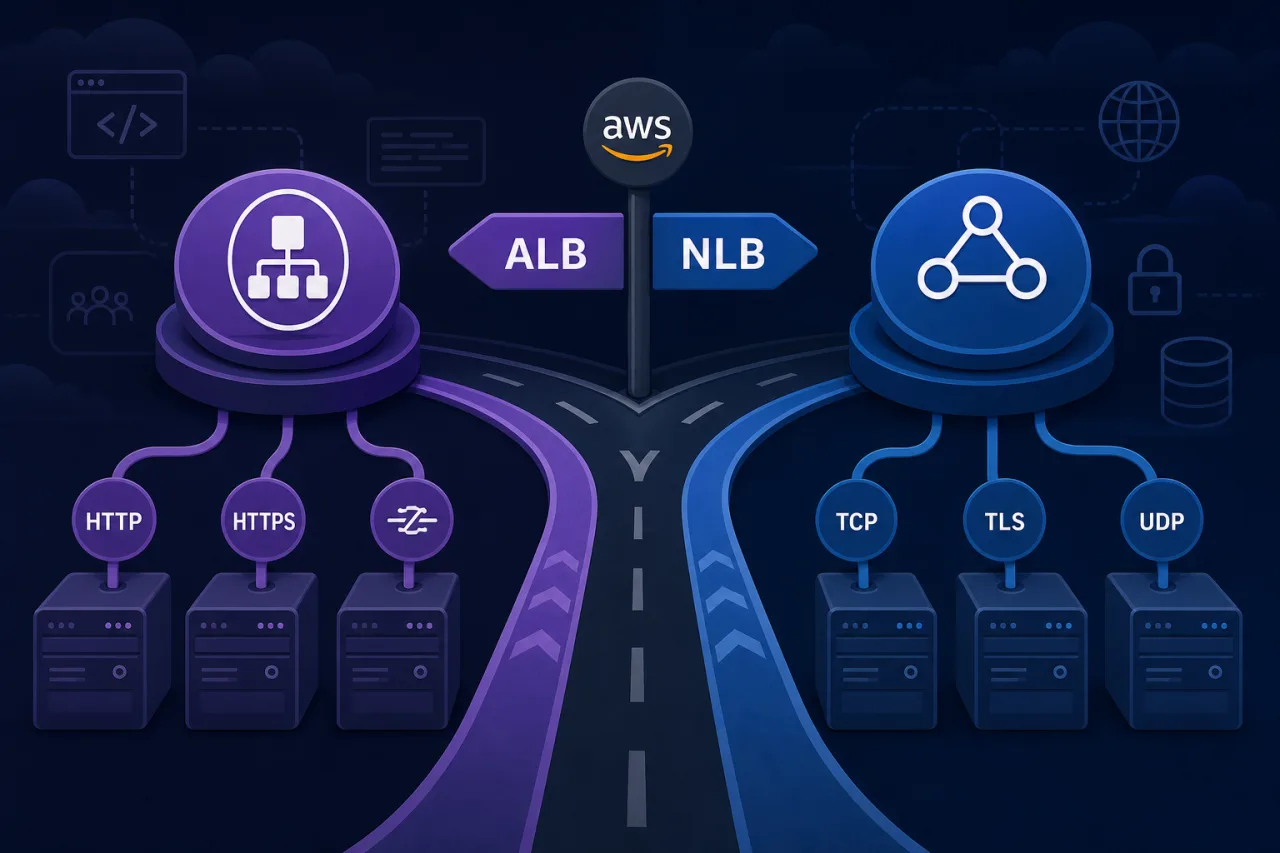
The Short Version
AWS gives you two primary load balancer types under the Elastic Load Balancing umbrella: the Application Load Balancer (ALB) and the Network Load Balancer (NLB). They solve different problems. Picking the wrong one won't necessarily break your app, but it will cost you in performance, complexity, or money — sometimes all three.
What Each One Actually Does
Application Load Balancer (ALB)
ALB operates at Layer 7 (HTTP/HTTPS). It inspects the request itself — the host header, URL path, query string, HTTP method, and source IP — and routes traffic based on that content.
This makes it the right tool when you need:
- Path-based or host-based routing (e.g.,
/api/*goes to one target group,/static/*goes to another) - WebSocket support with sticky sessions
- gRPC traffic over HTTP/2
- AWS WAF integration to filter malicious requests before they hit your instances
- Lambda functions as targets — ALB can invoke a Lambda directly, which NLB cannot
- Detailed access logs per request, including response codes and latency
ALB terminates the TLS connection and re-encrypts (or forwards cleartext) to targets. This is useful but means it adds a small amount of latency on each request.
Network Load Balancer (NLB)
NLB operates at Layer 4 (TCP/UDP/TLS). It does not inspect HTTP headers — it routes based on protocol, port, and IP. Connections pass through with extremely low latency (sub-millisecond in practice) and without the overhead of HTTP parsing.
Use NLB when you need:
- TCP or UDP protocols that aren't HTTP — gaming servers, IoT, custom binary protocols, DNS
- Static IP addresses or Elastic IPs per Availability Zone — useful when clients whitelist IPs in firewall rules
- TLS passthrough so your application handles the TLS termination end-to-end
- Extreme throughput — NLB can handle millions of requests per second with no warm-up
- PrivateLink — NLB is required if you're exposing a service via AWS PrivateLink
- Preserving the client source IP natively, without the
X-Forwarded-Forheader trick
A Practical Decision Framework
Before you choose, answer these questions:
- What protocol does your application use? If it's not HTTP/HTTPS/gRPC, start with NLB.
- Do you need content-based routing? Multiple services behind one domain, different paths to different targets? ALB.
- Do your clients require a static, predictable IP? NLB gives you one per AZ. ALB IPs change.
- Are you integrating with AWS WAF? That only works with ALB (or CloudFront).
- Do you need to invoke Lambda behind the load balancer? ALB only.
- Are you building a PrivateLink endpoint service? NLB only.
- Is latency at the microsecond level critical? Financial systems, high-frequency data pipelines — NLB.
If your answers pull in both directions (say, you need WAF and a static IP), consider putting a CloudFront distribution or an ALB in front, with an NLB handling the internal layer.
Common Mistakes
Using NLB for a standard web app because it sounds faster. For a typical HTTPS web service, the latency difference is negligible and you lose path-based routing, WAF, and native request logging.
Using ALB for a long-lived TCP connection that isn't HTTP. ALB will time out idle connections at 60 seconds by default (configurable to 4000s, but still). NLB has no such constraint on raw TCP.
Forgetting that ALB IP addresses are not static. If you're putting an ALB behind a firewall rule that whitelists IPs, you'll break things when AWS rotates those IPs during scaling. Use NLB with an Elastic IP, or Route 53 with health checks.
Where Monitoring Fits In
Whichever load balancer you choose, your monitoring layer needs to reflect what real users actually hit. ALB and NLB both provide CloudWatch metrics, but those only tell you what's happening inside AWS. Multi-region external monitoring — checking your endpoints from outside the VPC, across geographies — catches issues like DNS misconfiguration, certificate expiry, or a target group going completely unhealthy before your internal metrics surface the problem. Tools like Pingy monitor from multiple locations and alert before a bad deploy quietly drops all traffic.
Key Takeaways
- ALB is the default choice for HTTP/HTTPS workloads where you need routing logic, WAF, or Lambda targets.
- NLB is the right choice for non-HTTP protocols, static IPs, PrivateLink, or extreme throughput requirements.
- ALB IPs are dynamic; NLB supports Elastic IPs per AZ.
- TLS termination behavior differs: ALB always terminates; NLB can pass TLS through to your targets.
- For most microservice architectures running on ECS, EKS, or EC2 behind HTTPS, ALB is the simpler and more featureful option.
- External uptime monitoring complements load balancer health checks — it catches failures that internal metrics miss.