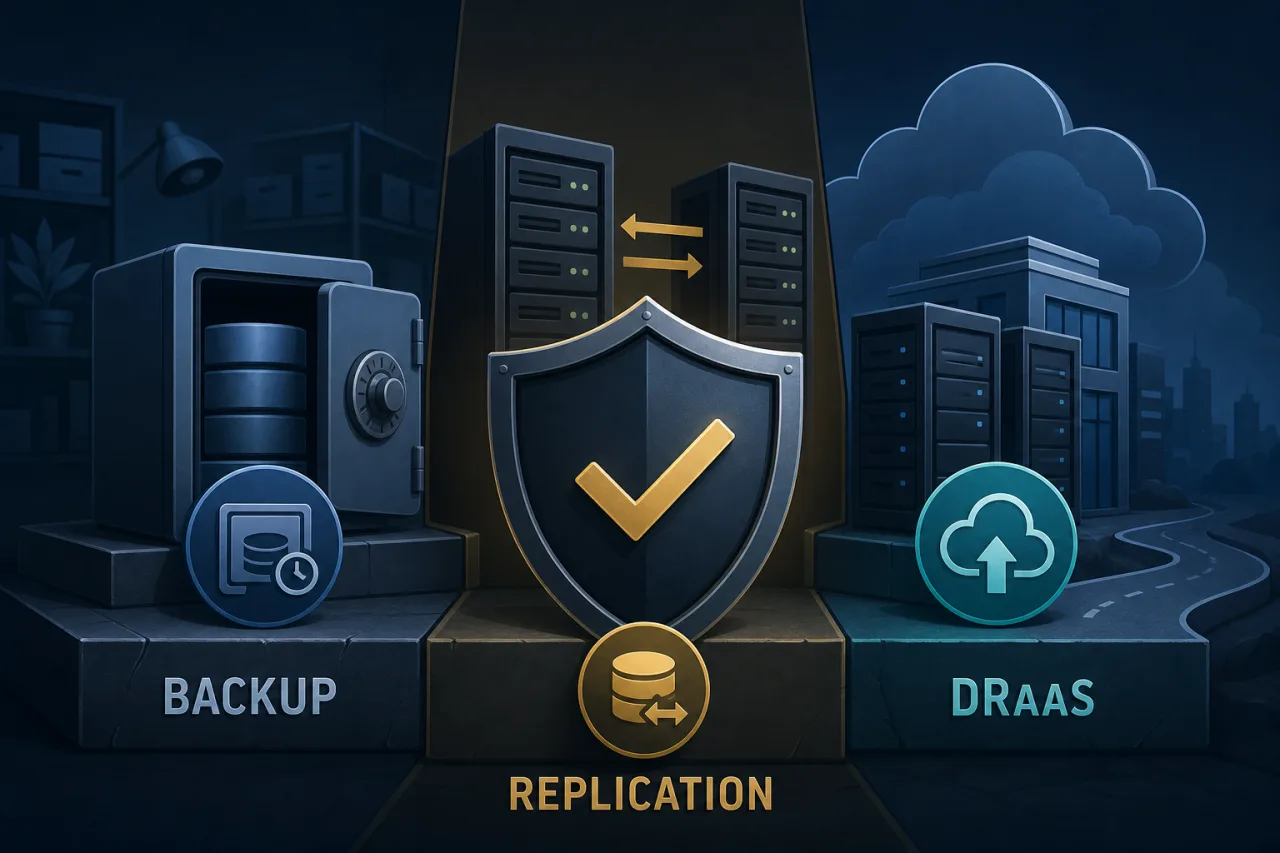
The Confusion Is Understandable
Backup, replication, and Disaster Recovery as a Service (DRaaS) all involve copying data somewhere. But they protect against different failure modes, operate on different timescales, and have very different cost and complexity profiles. Treating them as synonyms is how teams end up confident they're protected — right up until the moment they're not.
Backup: Your Time Machine
A backup is a point-in-time copy of data, taken on a schedule and stored separately from the source. It answers the question: can I get back to a known good state?
Backups are your defence against:
- Accidental deletion or overwrites
- Ransomware or corruption (if the backup predates the infection)
- Bad deploys that mangle data
- Regulatory or compliance requirements for data retention
What backups are not good at: minimising downtime. Restoring a 2 TB database from an S3 backup takes time — potentially hours — and during that window your service is down. Your Recovery Time Objective (RTO) with pure backups is almost always measured in hours, not minutes.
Backup quality checklist:
- Are backups stored in a separate account or cloud region from production?
- Have you tested a full restore in the last 90 days?
- Do you know your actual restore time, not just your backup frequency?
- Are backups encrypted at rest and in transit?
- Is your oldest backup old enough to predate a slow-moving corruption you haven't detected yet?
Replication: Your Shadow
Replication continuously (or near-continuously) copies data from a primary to one or more secondaries. It answers the question: can I fail over quickly?
Database replication — Postgres streaming replication, MySQL binlog replication, DynamoDB global tables — keeps a secondary in sync with seconds or milliseconds of lag. If the primary fails, you promote the secondary and resume. RTO drops from hours to minutes or even seconds.
But here's the critical misunderstanding: replication is not a backup. If you DROP TABLE orders on the primary, that command replicates immediately. Your secondary is now also missing the table. Replication protects against hardware failure, AZ outages, and network partitions — it does nothing for logical errors or ransomware.
The two tools are complementary, not interchangeable. Run replication for availability; run backups for recoverability.
Replication also has limits at scale
Cross-region replication adds latency. Synchronous replication guarantees no data loss but slows writes. Asynchronous replication is fast but means your secondary might be a few seconds behind — your Recovery Point Objective (RPO) is non-zero. Know which mode you're running.
DRaaS: The Full-Stack Answer
Disaster Recovery as a Service goes beyond data. It replicates entire workloads — VMs, configurations, networking, DNS, load balancer rules — and provides orchestrated failover to a secondary environment, usually managed by a third-party provider.
DRaaS answers the question: can I bring my entire service back in another region or cloud without doing it manually under pressure at 3 AM?
Typical DRaaS capabilities:
- Continuous or near-continuous replication of infrastructure state
- Pre-defined runbooks that execute failover in a defined sequence
- Automated DNS or traffic-switching to the recovery environment
- Regular failover drills without impacting production
- SLA-backed RTO and RPO commitments
The tradeoff is cost and complexity. You're essentially maintaining a parallel environment. For a small startup, this is probably overkill. For a fintech or healthcare platform where downtime means regulatory violations or patient harm, it's table stakes.
Knowing When Your Protection Has Failed
None of these tools tell you your site is down — they only help you recover once you know. That's where uptime monitoring fits in. If you're running multi-region infrastructure, you want monitoring that checks from multiple geographic locations simultaneously, so you can distinguish a global outage from a regional one and know which runbook to trigger. A monitor that only checks from one location can give you a false all-clear when half your users can't connect.
Choosing the Right Layer
These aren't mutually exclusive. Most mature infrastructure uses all three:
- Backups for data safety, compliance, and recovery from logical errors
- Replication for high availability and fast failover from infrastructure failures
- DRaaS when you need full-stack recovery SLAs and can't afford manual failover procedures
Start with solid backups and test them. Add replication when your RTO requirements shrink below what restore-from-backup can deliver. Add DRaaS when a regional outage taking down your entire service is a business-ending event.
Key Takeaways
- Backups protect against data loss and logical errors; they don't minimise downtime
- Replication minimises downtime but replicates mistakes too — it is not a substitute for backups
- DRaaS orchestrates full-stack failover with defined RTO/RPO SLAs
- Test your backups on a schedule; an untested backup is an assumption, not a guarantee
- Know your actual RTO and RPO numbers before an incident, not during one
- Multi-region monitoring helps you know which recovery procedure to invoke and how quickly