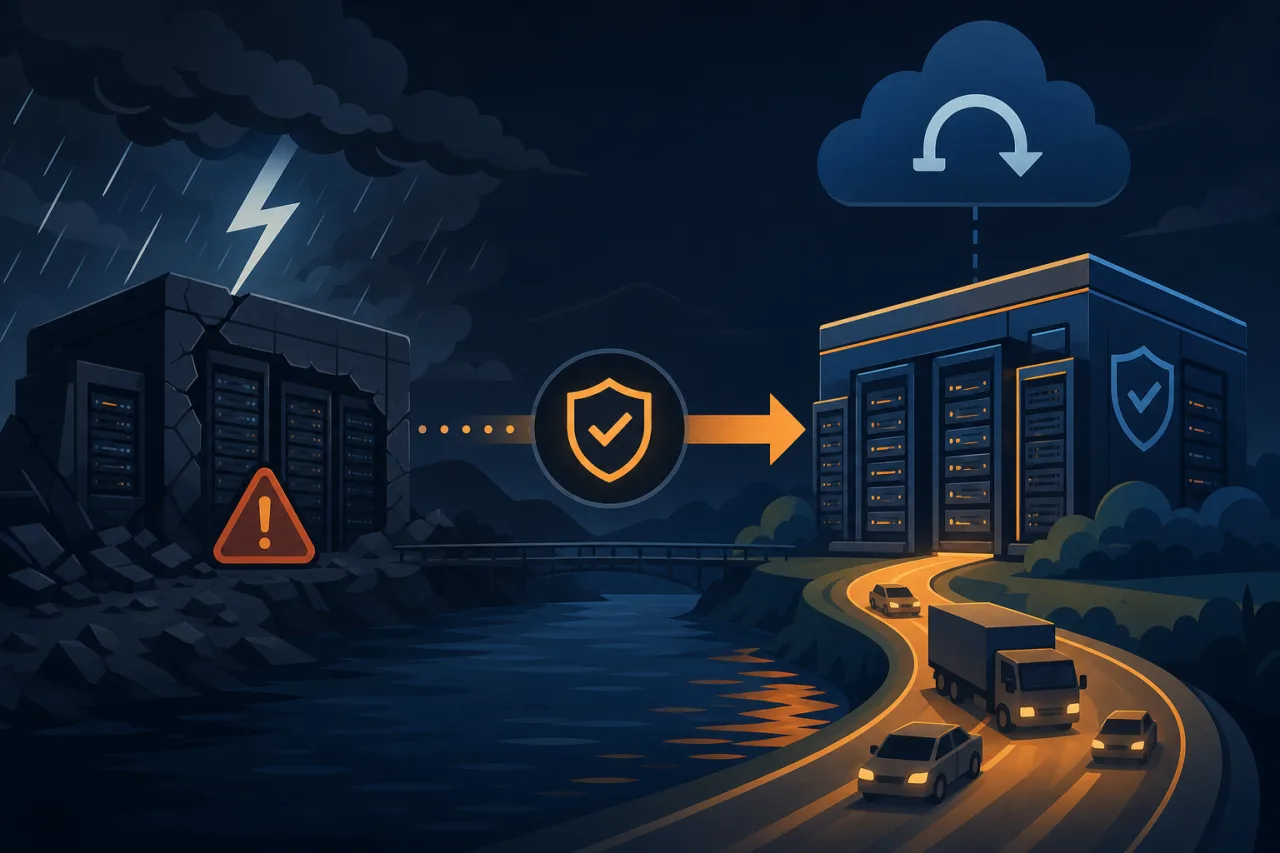
What Is a Warm Standby?
Disaster recovery sites fall on a spectrum. A cold standby is infrastructure that exists only as configuration and backups—it takes hours to spin up. A hot standby mirrors production exactly and can take over in seconds, but costs nearly double. A warm standby sits in between: a scaled-down but continuously running replica that can be promoted to full production capacity within minutes.
For most teams, warm standby hits the right balance between cost, complexity, and recovery time objective (RTO).
Define Your Recovery Targets First
Before you touch infrastructure, write down two numbers:
- RTO (Recovery Time Objective): How long can your service be degraded or unavailable? 15 minutes? 4 hours?
- RPO (Recovery Point Objective): How much data loss is acceptable? Zero? Five minutes of transactions?
These numbers drive every architectural decision that follows. A 1-hour RTO and 5-minute RPO is a very different problem than a 5-minute RTO and zero RPO.
Core Architecture
Data Replication
Your DR site is only as useful as the data it has. Common replication patterns:
- Synchronous replication (e.g., PostgreSQL streaming replication in sync mode, MySQL Group Replication): zero data loss, but adds latency to every write in the primary region.
- Asynchronous replication (the default for most database replication tools): minimal write latency penalty, but you accept some lag—typically seconds to low minutes under normal load.
- Log shipping / WAL archiving to object storage (e.g., pgBackRest, Barman): cheap and reliable, but recovery involves replaying logs, which takes time proportional to lag.
Pick based on your RPO. If you can tolerate a few minutes of data loss, async replication with frequent WAL archiving is usually the pragmatic choice.
Compute: Run Small, Scale Fast
The warm standby doesn't need to match production capacity at rest. A common pattern:
- Run application servers at 25–50% of production instance count in the DR region.
- Pre-configure your auto-scaling groups (or equivalent) so they can reach full production capacity within your RTO window.
- Keep your container images or AMIs pre-baked and stored in the DR region—don't rely on a build pipeline during a disaster.
Networking and DNS
DNS failover is the most common traffic-switching mechanism. Keep TTLs on your public records low (60–300 seconds) at all times so that a DNS change propagates quickly when you need it. If you only lower the TTL when disaster strikes, you've already lost that TTL window.
Alternatively, use a global load balancer (AWS Global Accelerator, Cloudflare Load Balancing, etc.) that can shift traffic without waiting for DNS propagation.
Validated Failover Checklist
A DR site you've never tested is a liability, not an asset. Run through this before you call your setup production-ready:
- Database replica is replicating and lag is within RPO tolerance
- Application config in DR region points to the local replica (not back to primary)
- Secrets, API keys, and certificates are present and valid in the DR region
- Auto-scaling policies have been tested by manually triggering a scale-out
- DNS TTLs are already at failover-friendly values in production
- A runbook exists and has been executed by someone other than the person who wrote it
- External dependencies (payment processors, email providers, CDNs) are configured to work from the DR region's egress IPs
- Failback procedure is documented—getting back to primary is often harder than failing over
Detecting That You Actually Need to Fail Over
The DR site doesn't help if you don't know when to use it. Reliable failure detection requires monitoring from outside your primary infrastructure—if your monitoring lives in the same region that just went down, it may go down with it.
Multi-region uptime monitoring (Pingy runs checks from geographically distributed nodes) gives you an independent signal: if probes from multiple locations confirm your primary endpoints are unreachable, that's a meaningful trigger, not a fluke from a single vantage point. Wire those alerts directly into your on-call workflow so the decision to fail over is driven by data, not gut feel.
Practice Failing Over—Regularly
Schedule a DR drill at least twice a year. Treat it like a fire drill: announce it, execute it, measure actual RTO against your target, and write up what broke. The first drill will almost always reveal something wrong with the runbook or the infrastructure. That's the point.
Automate what you can. Tools like AWS Fault Injection Simulator, Chaos Monkey, or even a simple script that flips DNS and verifies health checks can make drills lower-friction and repeatable.
Key Takeaways
- Define RTO and RPO before designing anything—they determine every other decision.
- Warm standby means continuously running but scaled down; pre-bake images and pre-configure scaling so promotion is fast.
- Keep DNS TTLs low all the time, not just when disaster is imminent.
- Test the full failover path end-to-end on a schedule; an untested runbook is fiction.
- Detection matters as much as recovery—use monitoring that lives outside your primary region to get a trustworthy failure signal.
- Document and drill the failback path, not just the failover.