What RTO and RPO Actually Mean
Two abbreviations show up in every disaster recovery conversation, and they measure completely different things.
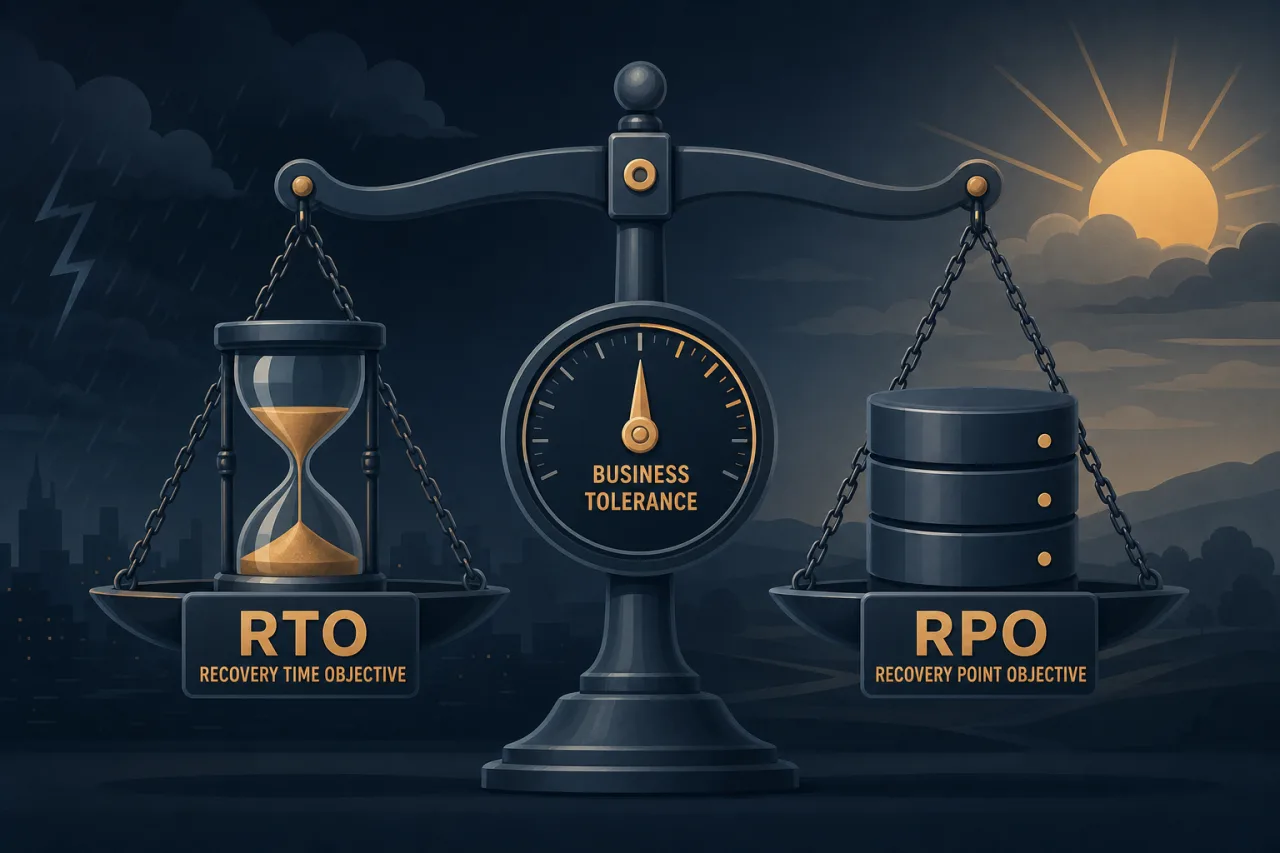
RPO — Recovery Point Objective is the maximum age of data you can lose. If your RPO is 4 hours, you're saying the business can tolerate losing up to 4 hours of transactions or state in a worst-case failure.
RTO — Recovery Time Objective is the maximum time your system can be down before the impact becomes unacceptable. If your RTO is 2 hours, recovery must be complete within 2 hours of the incident being declared.
They're related but independent. You can have a 15-minute RPO (frequent backups, tight replication) paired with a 4-hour RTO (manual failover process). Or the reverse. Conflating them leads to over-engineered backup pipelines that still leave you with a slow, painful recovery.
Why "As Low As Possible" Is the Wrong Default
Every team wants zero data loss and instant recovery in theory. In practice, tighter targets cost more — in infrastructure, complexity, and operational overhead.
A synchronous multi-region database replication setup that gives you an RPO near zero is expensive and introduces write latency. Automated failover that achieves a 5-minute RTO requires runbooks, testing, and on-call coverage to stay reliable. If the business doesn't actually need those targets, you've paid a real cost for imaginary risk reduction.
The right question isn't "how low can we go?" It's "what does a failure actually cost per hour, and what does it cost to prevent it?"
How to Set Targets That Fit the Business
1. Quantify the cost of downtime
Work with finance, product, or your CEO to put a number on it. For an e-commerce checkout flow, downtime has a direct revenue impact you can calculate from average order value and transaction volume. For an internal admin tool, the cost is softer — staff productivity loss — but still real and estimable.
This conversation is uncomfortable, but without it you're guessing.
2. Identify data criticality per system
Not all systems need the same RPO. A payment ledger has different requirements than a recommendation cache. Map your systems and ask:
- What is the source of truth for this data?
- Can it be reconstructed from another system if lost?
- What is the operational or legal consequence of losing 1 hour of writes? 24 hours?
3. Factor in detection time
RTO starts when you know there's an incident, not when the failure actually happened. If detection takes 20 minutes, that's 20 minutes consumed before recovery even begins. This is where external monitoring matters: a multi-region uptime monitor like Pingy catches failures from outside your infrastructure, so you're not relying on an internal alerting pipeline that may itself be affected by the outage.
Build your RTO budget with realistic detection time included.
4. Test what you can actually achieve
Document your current recovery capability before you commit to targets. Run a tabletop exercise or a live failover drill. Time it. If your untested RTO assumption is 1 hour but the actual drill takes 3.5 hours with two people on a Friday afternoon, your target is fiction.
5. Get sign-off from stakeholders
RTO and RPO should be formal agreements, not engineering estimates. The product team, legal, and leadership need to acknowledge what "acceptable" means. This protects the engineering team and ensures DR investment is prioritized at the right level.
Translating Targets into Architecture Decisions
Once targets are set, they drive concrete choices:
| Target range | Typical approach |
|---|---|
| RPO < 1 min | Synchronous replication, active-active |
| RPO 1–60 min | Async replication, log shipping |
| RPO 1–24 hrs | Scheduled snapshots or backups |
| RTO < 15 min | Automated failover, pre-warmed standby |
| RTO 1–4 hrs | Semi-automated runbooks, on-call response |
| RTO > 4 hrs | Manual restore from backup |
The table is a starting point, not a rulebook. Your specific stack, team size, and incident patterns will shape the actual implementation.
Revisit Targets as the Business Changes
RPO and RTO set today may be wrong in 18 months. A new product line, a compliance requirement, or a shift from B2C to enterprise sales can change what downtime costs overnight. Schedule a review at least annually, and immediately after any significant incident.
Key Takeaways
- RPO measures data loss tolerance; RTO measures downtime tolerance. They're independent.
- Tighter targets cost real money — anchor them to actual business impact, not engineering intuition.
- Detection time counts against your RTO budget. External monitoring ensures you find out fast.
- Test your actual recovery capability before committing targets to a DR policy.
- Get formal sign-off so targets reflect business decisions, not wishful thinking.
- Review targets whenever the business model, compliance posture, or system architecture changes significantly.