What DRaaS Is (and Isn't)
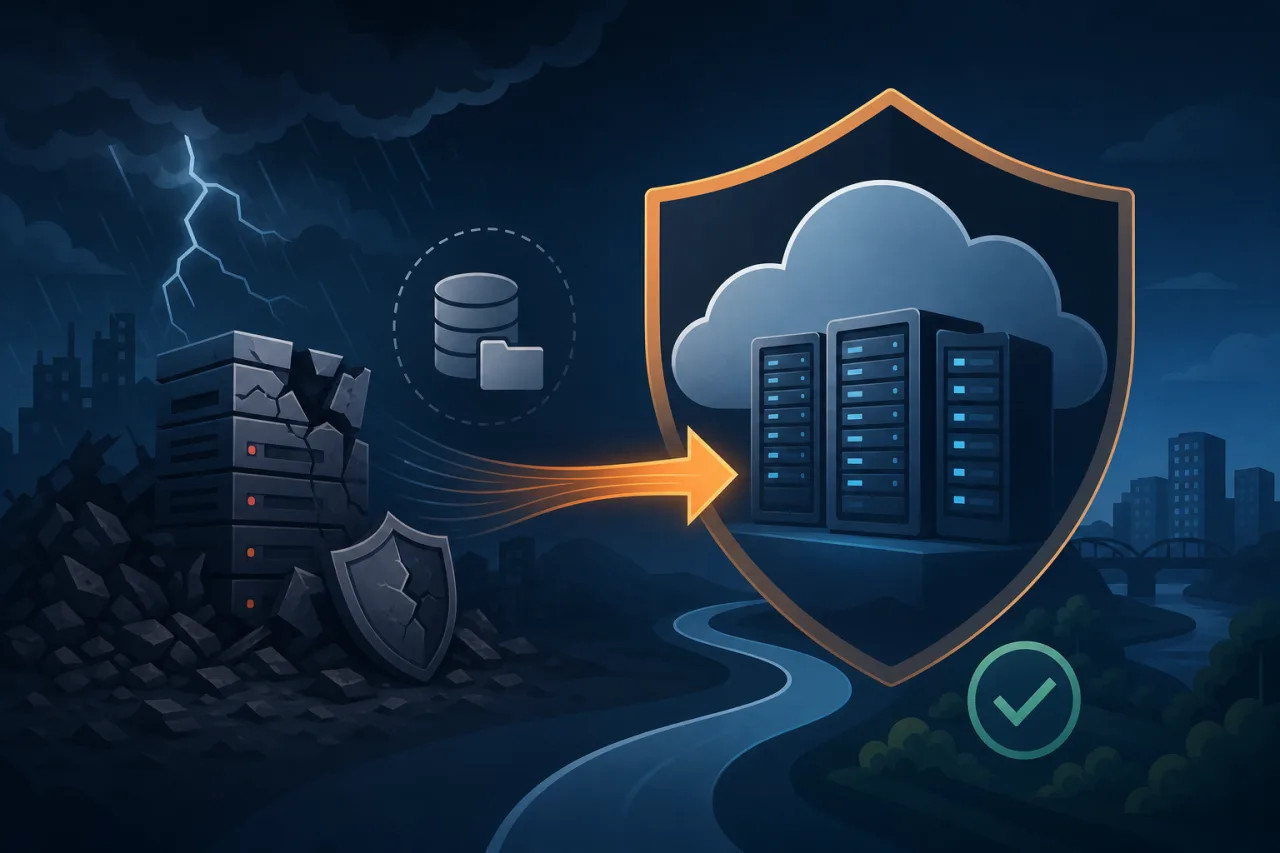
Disaster Recovery as a Service (DRaaS) is the continuous replication of your infrastructure—VMs, databases, configs, network state—to a provider-managed environment so you can fail over when your primary site goes dark. The key word is continuous. DRaaS is not a backup schedule. Backups are point-in-time snapshots you restore from. DRaaS keeps a near-live copy and gives you a defined, tested path to resume operations with a known RTO (Recovery Time Objective) and RPO (Recovery Point Objective).
If your RTO is "we can be down for 24 hours and restore from last night's snapshot," you want managed backups. If your RTO is "we need to be back in 15 minutes" and your RPO is "we can lose at most 30 seconds of transactions," you need DRaaS.
The Three Numbers That Matter
Before evaluating any vendor, nail down your own numbers:
- RTO – How long can your service be unavailable before it causes serious business or contractual harm?
- RPO – How much data loss is acceptable? This directly determines your replication frequency.
- RTA (Recovery Time Actual) – What does your recovery actually take in practice, after you've drilled it? This is almost always worse than RTO until you test.
Write these down and get sign-off from stakeholders. Everything else—vendor choice, replication topology, cost—flows from these three numbers.
How DRaaS Works Under the Hood
Most DRaaS offerings sit in one of two architectural buckets:
Hypervisor-level replication
The provider installs a replication agent on your hypervisor (VMware, Hyper-V, or a cloud equivalent). Block-level changes are shipped continuously to the DR site. On failover, the provider spins up your VM images in their environment. VMware Site Recovery Manager and Zerto work this way.
Cloud-native continuous replication
For workloads already in public cloud, services like AWS Elastic Disaster Recovery (formerly CloudEndure) or Azure Site Recovery replicate at the block level directly between regions or to the provider's infrastructure. No separate agent VM required—the replication runs as a lightweight service alongside your workload.
In both cases, the DR environment stays in a low-cost "staging" mode (instances are off or minimally sized) until a failover is triggered, which keeps ongoing costs manageable.
Choosing a DRaaS Provider: What to Actually Check
Marketing pages all promise seamless failover. Here is what to verify before signing:
- Supported workloads – Does it replicate your specific database engine, OS versions, and container orchestration layer? Ask explicitly.
- Failover automation vs. manual approval – Some providers require a human click before traffic shifts. Others support fully automated failover triggered by a health check. Know which you're buying.
- Network re-addressing – Will your application need IP or DNS changes at the DR site? This is often the hidden complexity that blows up RTOs.
- Test failover without production impact – You must be able to run a non-disruptive DR drill. If the provider can't do isolated test failovers, walk away.
- SLA on the DR infrastructure itself – The DR site can also go down. Check the provider's own uptime commitments for the recovery environment.
- Egress and failback costs – Replication traffic and failing back to your primary site after recovery can be expensive. Model this before you commit.
Monitoring Is Not Optional in a DRaaS Setup
A DR plan is only as good as your ability to detect the failure that triggers it. If your monitoring lives in the same region as your primary infrastructure, it can go dark at the same moment your production environment does—leaving you blind.
External, multi-region uptime monitoring (Pingy runs checks from multiple geographic locations) catches outages that are invisible from inside your own network. Set your alerting thresholds to fire fast enough to meet your RTO: if you need to be back in 15 minutes, you can't afford a 5-minute detection delay plus a 3-minute alert escalation.
Also monitor replication lag directly. Most DRaaS platforms expose a replication health metric. Alert on lag that would push you past your RPO before a disaster—not after.
Running a DR Drill That Means Something
Drills are where DR plans die or survive. A useful drill:
- Pick a date without telling everyone—real incidents aren't scheduled.
- Trigger a test failover in an isolated environment.
- Time every step: detection, decision, failover initiation, DNS propagation, first successful request.
- Compare actual times to your RTO and RPO commitments.
- Write a post-drill report listing exactly what broke or took longer than expected.
- Fix those items before the next drill.
Drill at minimum twice a year. Once a quarter is better.
Key Takeaways
- DRaaS is continuous replication with a tested failover path—not a fancier backup.
- Define RTO and RPO before shopping for vendors; they determine everything else.
- Test failover capability in isolation is non-negotiable in any contract.
- Replication lag is a live metric to monitor, not a number to check during an incident.
- Multi-region external monitoring ensures your detection layer survives the same outage you're recovering from.
- Drill with real timing data; paper RTOs are fiction until proven otherwise.