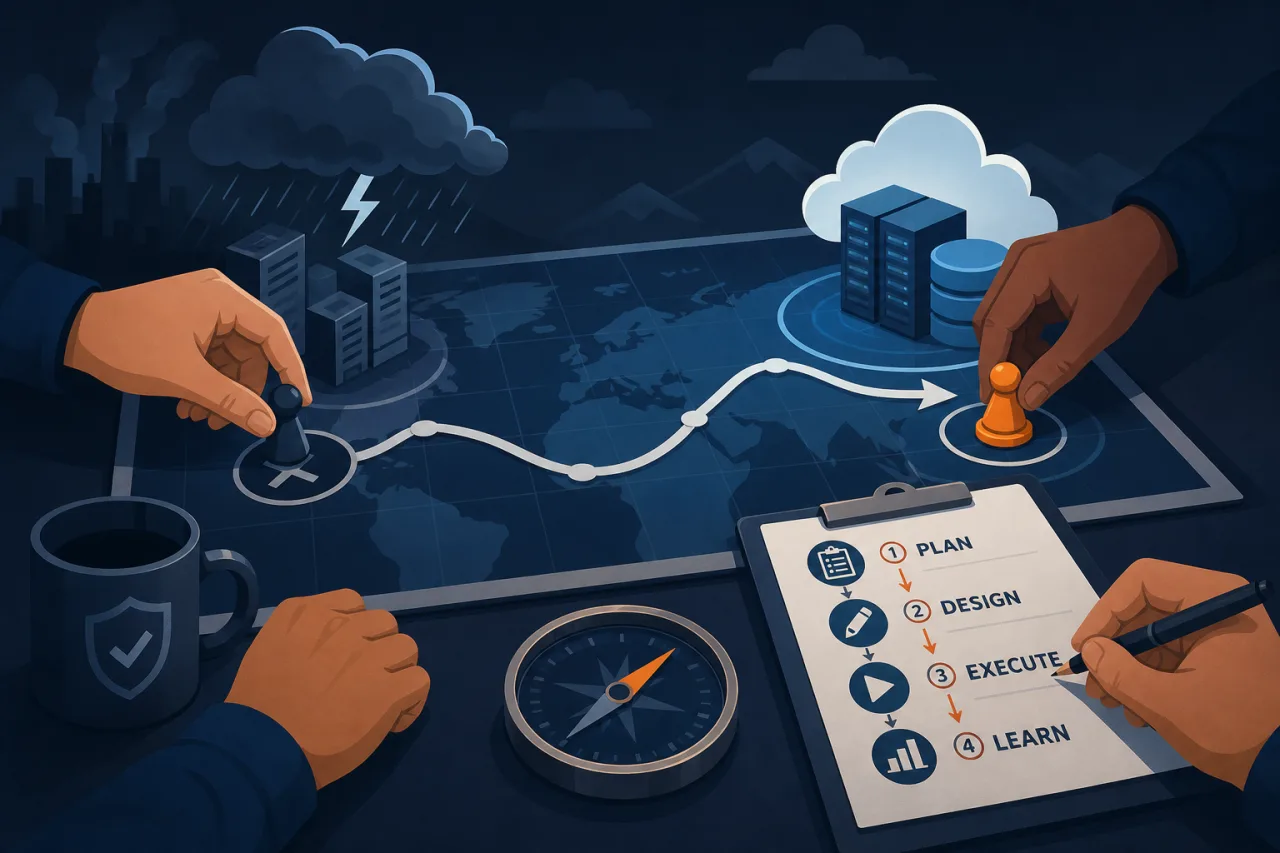
What Is a DR Game Day?
A disaster-recovery game day is a scheduled, controlled exercise where your team deliberately triggers failure scenarios and works through recovery procedures in real time. The goal is not to prove that your systems are resilient — it's to find the gaps before an actual outage does.
Game days differ from chaos engineering (think Netflix's Chaos Monkey) in one key way: they are scoped, announced, and designed to test people and process as much as infrastructure.
Before the Day: Planning
Define the scope and objectives
Start narrow. Pick one system, one failure mode, and one team. Broad exercises across multiple services on day one generate noise instead of signal.
Good first scenarios:
- Primary database becomes unreachable
- A regional cloud zone goes dark
- A critical third-party API returns 5xx errors for 30 minutes
- A bad deploy ships to production and needs a rollback
Write a game-day brief
Circulate a one-page document before the exercise that covers:
- Date, time, and duration — keep it to two to four hours max for a first run
- Scenario description — what failure you are simulating and how you will induce it
- Blast radius — which systems and users are affected, and whether you are running in production or a staging environment
- Success criteria — what does a successful recovery look like? Define a target RTO and RPO before you start
- Roles — who is the facilitator, who are the responders, who is the observer taking notes
- Stop conditions — explicit criteria for calling off the exercise (e.g., real user impact exceeds a threshold)
Prepare your observability stack
Make sure logs, metrics, and alerts are working before the exercise begins. This sounds obvious, but broken alerting is one of the most common findings from game days. If you use external uptime monitoring, confirm that your monitors are active and that alert routing is correctly configured — you want to know whether your on-call toolchain fires the right people, not just whether the system recovers.
During the Day: Execution
Run a pre-exercise check (15 minutes)
- Confirm the current system state is healthy and baselined
- Verify all participants are present and know their roles
- Open a dedicated incident channel (Slack, Teams, etc.) that mirrors your real incident workflow
- Start a shared doc for the observer to capture a timestamped log
Inject the failure
Use real mechanisms where possible: stop a database process, modify a firewall rule, toggle a feature flag, or redirect DNS. Simulated failures that bypass actual code paths teach you less.
Announce the injection time in the channel: [10:02] Database replica promoted; primary taken offline.
Let the team respond naturally
The facilitator should resist the urge to help. The point is to observe how the team detects, communicates, and resolves the incident using existing runbooks and tooling. If monitoring alerts do not fire within an expected window, that is a finding — note it, do not fix it mid-exercise.
Multi-region monitoring tools can reveal something useful here: if your internal alerting misses the failure but an external probe from a different geography catches it first, that tells you something about your detection coverage.
Call the all-clear
Once the team declares recovery, record the timestamp and walk through a quick verbal debrief while everything is fresh.
After the Day: The Retrospective
The retrospective is where the value compounds. Run it within 24 hours.
Structure the retrospective
- Timeline review — walk through the observer's log, minute by minute
- Detection — how long did it take to know something was wrong, and how did the team find out?
- Communication — were the right people looped in at the right time?
- Runbook accuracy — did documented procedures match reality?
- Recovery — did you hit your RTO and RPO targets?
- Action items — assign owners and due dates to every gap you found
Categorize your findings
Group findings into three buckets: process gaps, tooling gaps, and documentation gaps. This makes it easier to route action items to the right teams.
Logistics Tips That Often Get Skipped
- Schedule game days during business hours, not to be easy on your team, but because you want full participation and clear heads
- Notify customer-facing teams (support, success) in advance even if no users should be affected
- Record the session if your tooling allows it — a recording is invaluable for onboarding future engineers
- Run game days on a regular cadence: quarterly is a reasonable starting point for most teams
Key Takeaways
- Scope your first game day tightly: one failure, one team, two to four hours
- Write a brief with explicit success criteria and stop conditions before you start
- Inject failures using real mechanisms, not mocks
- Treat the retrospective as the primary deliverable — the exercise itself is just how you generate the data
- Assign owners and due dates to every finding or the exercise was wasted
- Run them regularly; a game day you ran eighteen months ago tells you little about the system you have today