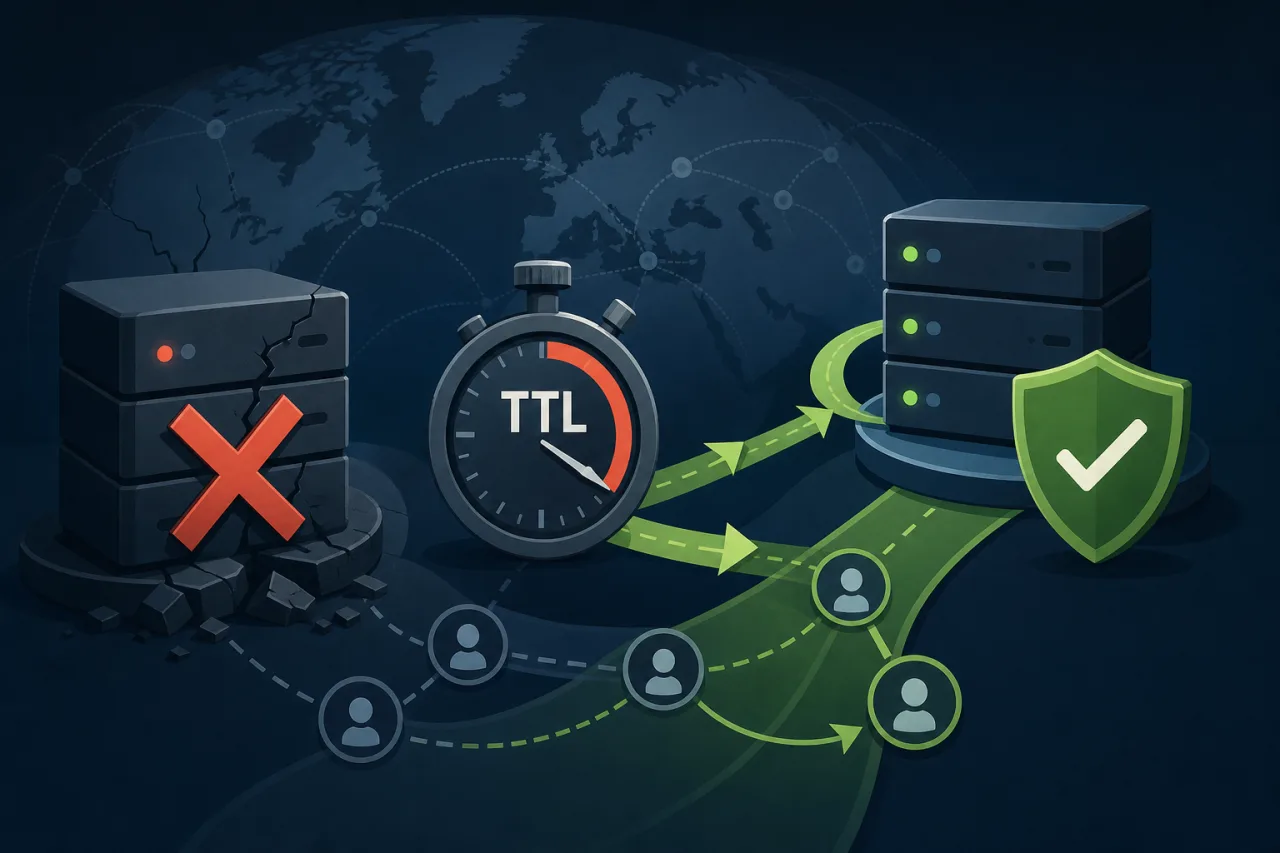
Why TTL Is the First Thing You Should Change Before an Incident
DNS TTL (Time to Live) controls how long resolvers cache a record. When you need to fail over to a backup IP or region, every second of stale cache is a second your users hit a dead endpoint. Most registrars and DNS providers ship with TTLs of 3600 seconds (one hour) or higher by default. That's a long time to be broken.
The good news: TTL is a lever you can actually pull — if you plan ahead.
How TTL Caching Works in Practice
When a resolver queries your DNS record, it caches the response for exactly the TTL duration. After that, it fetches a fresh answer. This means:
- A TTL of 3600 means a resolver that just cached your record will keep using the old IP for up to an hour after you change it.
- A TTL of 60 means worst-case propagation is 60 seconds.
- Lowering TTL after an incident has already started doesn't help — the old TTL is already cached.
The implication: you need to pre-lower your TTLs before you need to fail over, not during the scramble.
The Pre-Failover TTL Ladder
A common, practical approach is to treat TTL changes as a staged ramp-down:
- Normal operation: Keep TTLs at a moderate value (300–600 seconds). This balances resolver load with reasonable propagation speed.
- Before planned maintenance or a risky deploy: Drop TTLs to 60 seconds at least one full TTL cycle in advance. If your current TTL is 300s, wait 5 minutes after lowering before you make any IP change — otherwise some resolvers still have the old TTL cached.
- During active failover: 60 seconds is workable for most scenarios. Going lower (30s or even 10s) is possible with some DNS providers, but be aware that very aggressive TTLs increase query volume and some resolvers clamp minimum TTLs regardless.
- After failover stabilizes: Ramp TTLs back up to 300–600s within a few hours to reduce resolver chatter and load on your authoritative nameservers.
Choosing the Right TTL for Different Record Types
Not all records need the same TTL strategy:
- A / AAAA records for load balancers or origin IPs: These are your primary failover targets. Keep them at 60–300s in production.
- CNAME records pointing to CDN or cloud endpoints: Often these can be slightly longer (300s) since the underlying provider handles their own health routing.
- MX and TXT records: These change rarely. 3600s or higher is fine. Don't conflate mail/verification record TTLs with your traffic-bearing records.
- NS records: Leave these alone. Changing NS TTLs is a registrar-level operation and doesn't help during failover.
Active Health Checks and DNS Failover Together
Low TTL alone isn't enough. You also need something that detects the failure and changes the DNS record. This is where DNS failover services (Route 53 health checks, Cloudflare Load Balancing, NS1 data feeds, etc.) come in — they poll your endpoints and swap the A record automatically when health checks fail.
The catch: these services have their own probe intervals and consensus requirements before they'll flip a record. A provider might require three consecutive failed checks at 10-second intervals before acting. That's 30 seconds before the record changes, plus your TTL before resolvers pick it up. Model your total failover time as:
Total failover window ≈ detection time + TTL
If detection takes 30s and TTL is 300s, your worst case is ~5.5 minutes of user-facing downtime. Drop TTL to 60s and that becomes ~90 seconds.
Where External Monitoring Fits
DNS failover services only know what their own probes see. Monitoring from multiple geographic vantage points — like what Pingy does with checks from different regions — gives you a cross-referenced view of whether an outage is real or a probe anomaly, and lets you trigger manual or automated failover with confidence rather than reacting to a single flaky check.
Pre-Failover Checklist
Before any major deploy or when you're building out failover runbooks:
- Audit current TTLs on all traffic-bearing A/AAAA records
- Lower TTLs to 60s at least one TTL cycle before a planned change
- Confirm your DNS failover provider's probe interval and failure threshold
- Calculate your actual worst-case failover window (detection + TTL)
- Test the failover path — manually change the record and verify traffic shifts
- Document TTL ramp-back schedule so you don't leave low TTLs in place indefinitely
- Set up monitoring that checks from multiple regions, not just one location
Key Takeaways
- TTL is a pre-incident lever, not a during-incident one. Lower it before you need to, not during the scramble.
- Your real failover window is detection time plus TTL, not TTL alone.
- 60 seconds is a reasonable production TTL for traffic-bearing records that might need failover; 300s is fine for stability.
- Very low TTLs (< 30s) have tradeoffs: increased query volume and resolver non-compliance.
- Test your failover path end-to-end at least once. DNS failover that's never been exercised is DNS failover you can't count on.