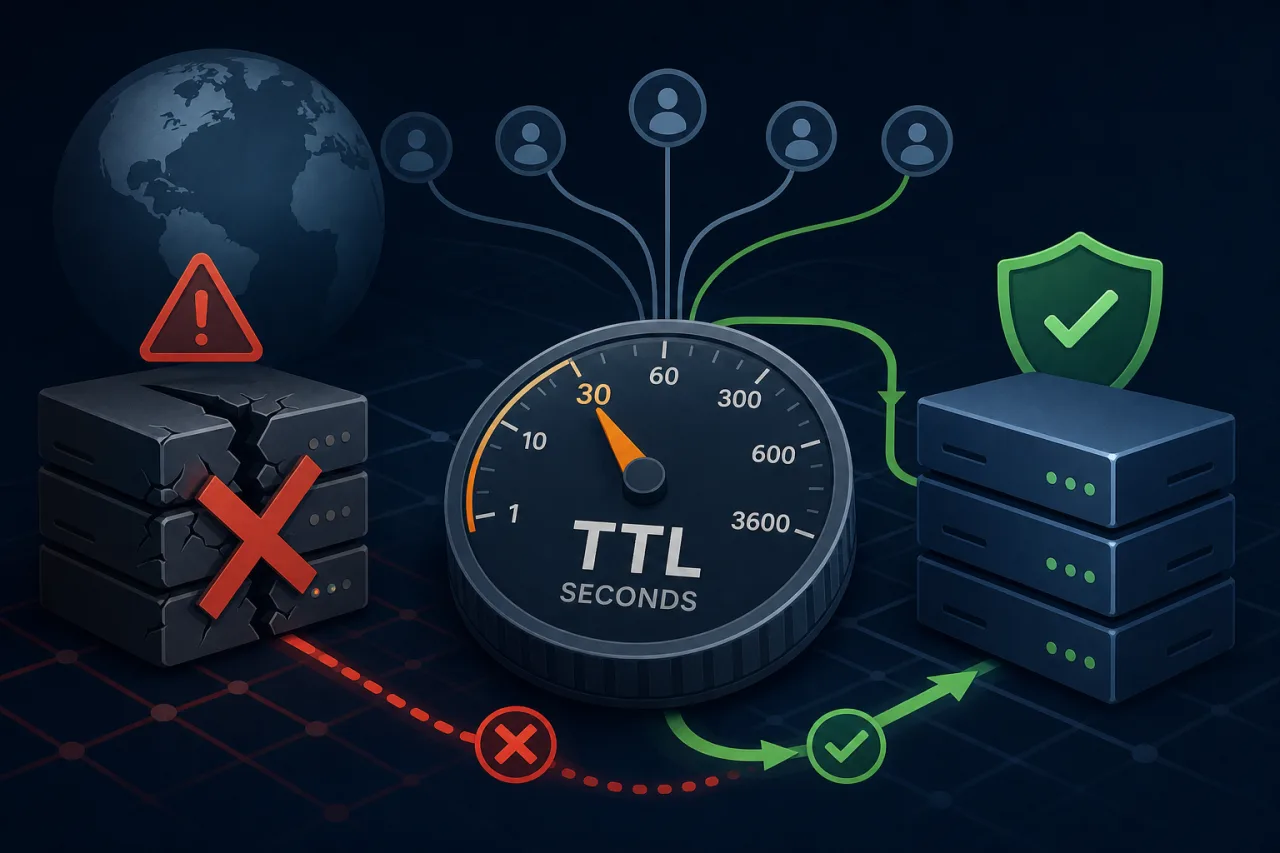
Why TTL Is the Hidden Variable in Your Failover Plan
When an origin server goes down, your DNS-based failover is only as fast as the TTL on your records allows. Even if your health checks detect a failure in 30 seconds and your DNS provider propagates a new record instantly, clients that cached the old answer will keep hammering the dead IP until their TTL expires.
TTL — Time to Live — is the number of seconds resolvers are allowed to cache a DNS record. It's set by you, the zone owner. Getting it wrong in either direction causes real problems.
The Trade-off: Caching vs. Agility
High TTLs (3600s and above) reduce query load on your nameservers and improve resolution latency for end users because answers come from cache. But they make failover slow — potentially very slow.
Low TTLs (30–60s) mean resolvers re-query frequently, giving you near-real-time control over where traffic goes. The cost is higher query volume against your authoritative nameservers and slightly more variability in resolution latency.
Neither extreme is universally correct. The right answer depends on how much downtime you can tolerate.
Choosing a TTL for Different Record Types
A and AAAA Records (Your Origin IPs)
These are the records you'll change during failover, so they need the shortest TTLs.
- Production baseline: 300s (5 minutes) is a reasonable default that balances agility with cache efficiency.
- Pre-change TTL: Before any planned maintenance or cutover, drop to 60s at least one full current-TTL period in advance. If your TTL was 3600s, change it to 60s, then wait an hour before making the actual IP change.
- Minimum practical floor: Most public resolvers and CDNs won't honor TTLs below 30–60s. Setting 0 or 1 is technically valid but practically ignored by many resolvers.
CNAME Records
If you're using a CNAME to a load balancer or cloud endpoint, the effective TTL is the minimum of your CNAME TTL and the TTL of the record it resolves to. Make sure both are short if failover matters.
NS and SOA Records
Leave these alone. NS records should have long TTLs (86400s is standard). Changing them frequently causes delegation problems.
MX Records
Email delivery is more tolerant of stale records than HTTP traffic — senders retry for hours or days. A TTL of 3600s is generally fine here.
DNS-Based Failover: How It Actually Works
Most managed DNS providers (Route 53, Cloudflare, NS1, etc.) offer health-check-driven failover. The flow looks like this:
- Health check fires — the DNS provider's own probes hit your origin on a configured interval (commonly 10–30s).
- Threshold is crossed — after N consecutive failures, the record is marked unhealthy.
- DNS response changes — the provider stops returning the failed IP and returns your failover target instead.
- Resolvers re-query — only after the cached TTL expires do clients get the new answer.
Step 4 is where your TTL determines how long the blast radius lasts. A 300s TTL means some clients may be stuck for up to 5 minutes after the DNS change goes live. A 3600s TTL means up to an hour.
The Pre-Lowering Pattern
The most important operational habit around TTLs is lowering them before you need to, not after an incident starts. During an outage is exactly the wrong time to discover your TTL is 86400s.
Make TTL review part of your runbooks:
- Check current TTL on all A/AAAA records for customer-facing services
- If TTL > 300s, lower it proactively during a maintenance window
- Before any planned failover or migration, drop to 60s at least one TTL-period ahead
- After the change settles, you can raise TTL back if query volume is a concern
- Document TTL values in your incident runbooks so on-call engineers aren't surprised
Monitoring Fills the Gap TTL Can't Close
No matter how low you set your TTL, there's always a window between failure and full propagation where some users are affected. That window needs to be detected, not guessed at.
Multi-region uptime monitoring — checking your endpoints from geographically distributed locations — gives you accurate detection latency and helps you confirm when failover has actually propagated globally, not just locally. Tools like Pingy run checks from multiple regions so you can see whether a failure is localized or widespread before deciding to trigger failover at all. This matters: a false positive that causes an unnecessary failover is its own kind of incident.
Key Takeaways
- TTL is the ceiling on how fast DNS-based failover can work — design it accordingly
- 300s is a practical default for A/AAAA records on customer-facing services
- Lower TTLs before you need them, not during an incident
- Pre-lowering requires waiting one full TTL period before making the actual change
- Health-check-based DNS failover is only as good as the probe frequency and your TTL combined
- Multi-region monitoring reduces false positives and confirms propagation has actually completed