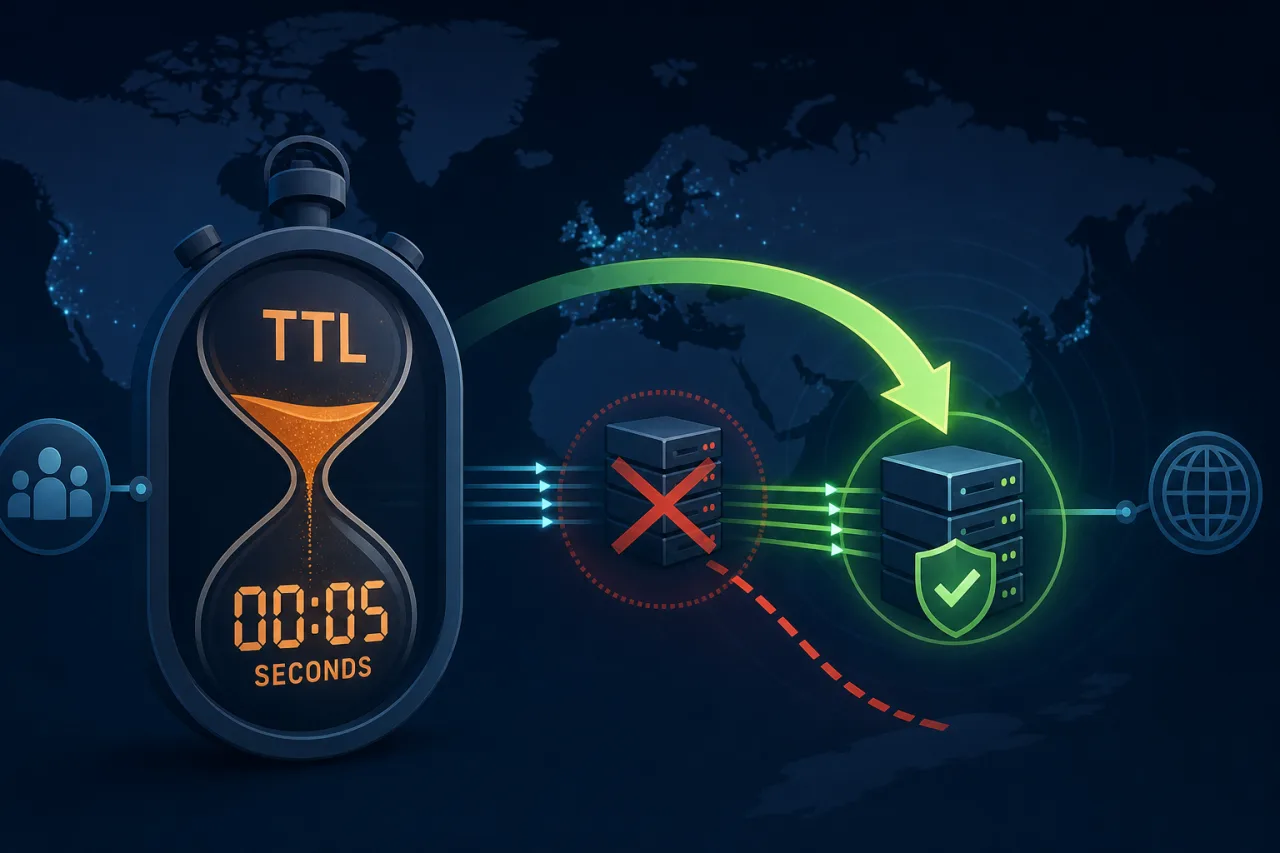
Why TTL Is a Failover Variable, Not Just a Caching Hint
DNS TTL (Time To Live) controls how long resolvers cache a record before re-querying your authoritative server. Most engineers set it once during initial setup and forget it. That's a problem: a 24-hour TTL means a DNS-based failover can take a full day to propagate — even if your monitoring catches the outage in 30 seconds.
TTL is a lever. Pull it correctly and you can get DNS-based failover working in under two minutes. Leave it at the default and you're at the mercy of every ISP's resolver cache.
How DNS Failover Actually Works
When a health check detects your origin is down, your DNS provider (or a script calling its API) swaps the A or CNAME record to point at a standby IP or region. The catch: clients that already cached the old record won't see the change until their cached TTL expires.
This is why a low TTL before an incident is the only thing that limits blast radius. No amount of clever automation compensates for a 3600-second TTL that's already been distributed to millions of resolvers.
Choosing a TTL Value
The steady-state tradeoff
Low TTLs increase query volume to your authoritative DNS servers. High TTLs reduce query load but slow failover. For most production services the right range is:
- 300 seconds (5 min): A reasonable default for services that rarely change but need tolerable failover.
- 60 seconds (1 min): Good for active-active or active-passive setups where you want fast recovery. Authoritative query load increases noticeably; make sure your DNS provider can handle it.
- 30 seconds or lower: Supported by some providers (Cloudflare, Route 53). Useful for critical endpoints. Verify your provider actually honors sub-60s TTLs — not all do.
The pre-maintenance pattern
Don't run a low TTL 365 days a year if your traffic volume makes that expensive. Instead:
- Lower the TTL to 60s at least one TTL cycle before any planned maintenance or deployment window.
- Make your DNS change when the low TTL has propagated.
- Verify traffic is routing correctly.
- Raise the TTL back to your steady-state value afterward.
This pattern is sometimes called "TTL draining" and it works because you're waiting for all existing cached copies to expire before you actually need fast propagation.
Configuring DNS-Based Failover
Most managed DNS providers support health-check-based failover natively. Here's a general setup sequence:
- Create a primary record pointing to your main origin with a TTL of 60s.
- Create a failover record pointing to your standby origin or CDN endpoint.
- Attach a health check to the primary record. The provider polls your endpoint (usually HTTP or TCP) on a configurable interval.
- Set the failover policy so the provider promotes the secondary record automatically when the health check fails.
- Test it. Block port 80/443 on your primary, or return a non-200 status, and confirm the swap happens within your expected window. Check with
dig +short your.domain @8.8.8.8at intervals.
Route 53, Cloudflare, NS1, and DNSimple all support variants of this. The exact UI differs but the model is the same.
What Can Go Wrong
- Resolver non-compliance: Some resolvers (notably older ISP resolvers) ignore TTLs and cache longer than specified. You can't fully control this, but lowering TTL reduces worst-case duration.
- Negative caching: NXDOMAIN responses are also cached, with their own TTL defined in the SOA record's
minimumfield. If a misconfiguration causes a missing record, that absence gets cached too. - Health check location bias: A health check running from a single region can miss failures that are geographically scoped. Running checks from multiple regions — which is what distributed monitoring services like Pingy do — gives you a more accurate signal before triggering failover.
- Failover loops: If both primary and secondary are degraded, some providers will flip back and forth. Set a minimum failure threshold (e.g., two consecutive failed checks) before triggering failover.
A Realistic Failover Timeline
With a 60-second TTL and a health-check interval of 30 seconds with a two-failure threshold:
- 0s: Origin goes down.
- ~60s: Health check detects failure after two consecutive misses.
- ~60–90s: DNS provider updates the record.
- ~60s: Clients whose cached TTL expires pick up the new record.
End-to-end recovery in the two-to-three minute range is achievable. Getting below that requires anycast routing or load-balancer-level failover, not DNS.
Key Takeaways
- TTL determines your maximum failover propagation time — set it before you need it.
- Drain TTLs to 60s or lower at least one TTL cycle before planned changes.
- Use your DNS provider's native health checks, and test failover explicitly before relying on it in production.
- Multi-region health checks give a more reliable failure signal than single-location polling.
- Accept that some resolvers will cache longer than your TTL; design your SLAs accordingly.