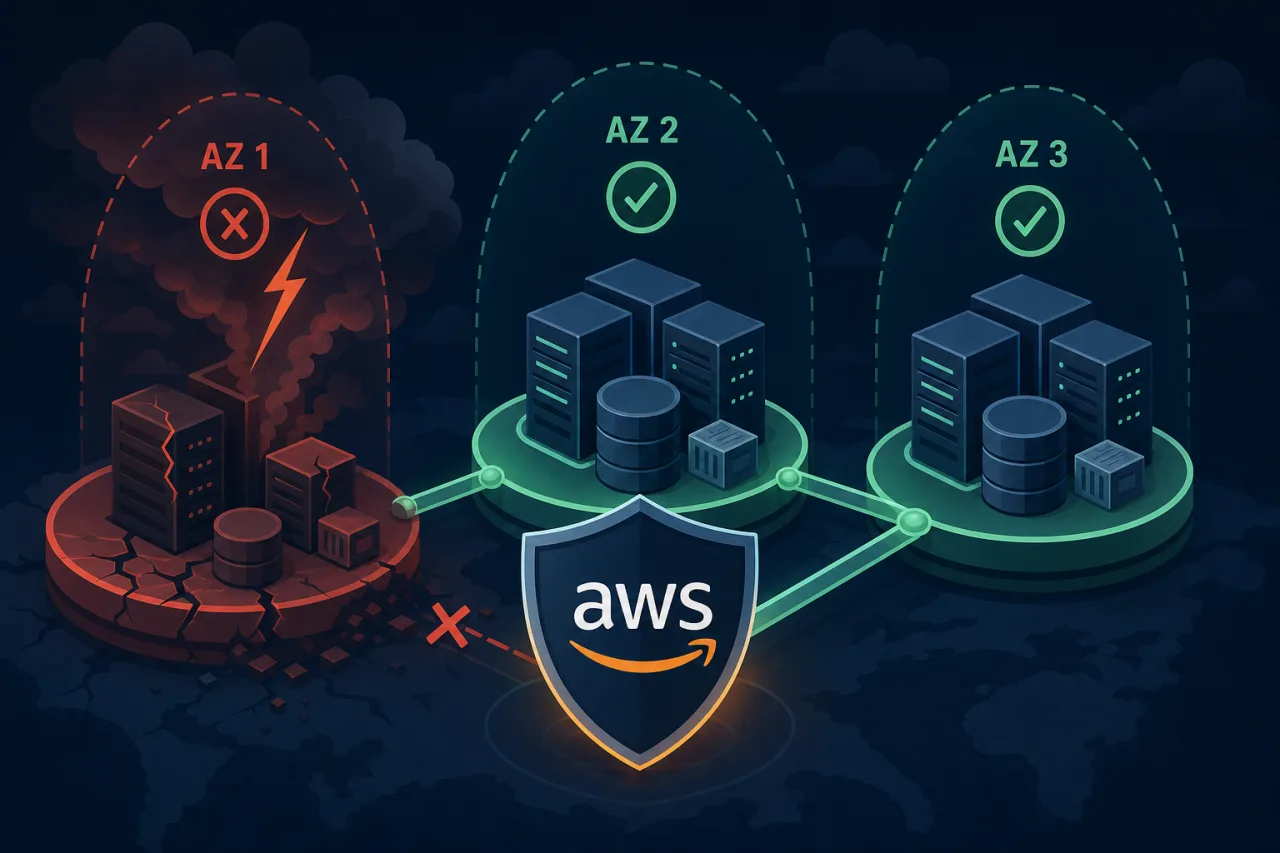
What Actually Happens During an AZ Failure
AWS Availability Zones are physically separate data centers within a region, connected by low-latency links. They fail independently — but they do fail. Power events, networking issues, and cooling problems have knocked individual AZs offline, sometimes for hours.
When an AZ goes down, any resource pinned exclusively to it becomes unreachable: EC2 instances, RDS primaries, ElastiCache nodes, NAT Gateways. If your architecture assumes AZ availability, you will have an outage.
The goal of multi-AZ design isn't to avoid AWS failures — it's to make them irrelevant to your users.
Core Principles
Spread compute across at least three AZs
Two AZs gives you redundancy. Three gives you headroom: if one AZ fails, your remaining capacity doesn't immediately run at 100% and risk cascading. Most AWS regions offer three or more AZs.
For EC2-based workloads, use an Auto Scaling Group (ASG) with az-balanced or explicit AvailabilityZones configuration. Set minimum and desired counts so the ASG can sustain traffic with one AZ gone.
For ECS or EKS, configure pod/task spread constraints:
topologySpreadConstraints:
  - maxSkew: 1
    topologyKey: topology.kubernetes.io/zone
    whenUnsatisfiable: DoNotSchedule
Use AZ-aware load balancing
Application Load Balancers (ALB) and Network Load Balancers (NLB) are inherently multi-AZ — enable them in every AZ where you run targets. Enable cross-zone load balancing so traffic redistributes to healthy targets even when one AZ drains.
Important: ALB cross-zone load balancing is on by default; NLB has it off by default. Check your NLB settings explicitly.
Make your data layer multi-AZ
This is where most outages actually bite:
- RDS: Enable Multi-AZ deployments. The standby replica in a second AZ is promoted automatically on failure, typically within 60–120 seconds. For read-heavy workloads, add read replicas in additional AZs.
- Aurora: Uses a distributed storage layer that spans three AZs by default. Reader instances can be placed in separate AZs from the writer.
- ElastiCache (Redis): Enable cluster mode with replicas in separate AZs, and enable Multi-AZ with automatic failover.
- DynamoDB: Replicates across three AZs automatically within a region — no configuration needed, but you pay for it in your capacity planning.
- S3: Already replicates across AZs within a region. No action required.
Eliminate single-AZ networking dependencies
NAT Gateways are AZ-scoped. A common mistake is creating one NAT Gateway and routing all private subnets through it. When that AZ fails, outbound internet access breaks for all your private instances — even the ones in healthy AZs.
Fix: create one NAT Gateway per AZ, and configure each private subnet's route table to use the NAT Gateway in its own AZ.
Validating Your Design
Architecture diagrams lie. Test your assumptions with controlled chaos.
Runbook for AZ failure simulation:
- Pick a non-production environment that mirrors production.
- Identify all resources in one target AZ (use Resource Groups or AWS Config).
- Terminate EC2 instances in that AZ. Do not stop them — stopped instances can restart in the same AZ.
- Modify the route table for that AZ's private subnet to point at a blackhole (or simply remove the NAT Gateway).
- Watch your load balancer health checks, ASG activity, and RDS failover logs.
- Measure time-to-recovery and error rates at the application layer.
- Restore and document findings.
Tools like AWS Fault Injection Service (FIS) can automate and scope this more precisely.
Monitoring During and After an AZ Event
Your internal CloudWatch metrics may themselves be degraded during an AZ event — CloudWatch is highly available but not immune to disruption at the edges. External uptime monitoring from multiple geographic locations gives you a ground-truth signal that's independent of the AWS control plane.
Services like Pingy run checks from multiple regions, so you get an alert based on what real users experience, not just what AWS reports internally. That distinction matters when you're trying to confirm whether your failover actually worked.
Beyond external monitoring, configure CloudWatch alarms on:
- ALB
UnHealthyHostCountper AZ - ASG
GroupInServiceInstancesdropping below threshold - RDS
ReplicaLagand failover events via EventBridge
Key Takeaways
- Spread compute across three or more AZs with Auto Scaling Groups or managed Kubernetes node groups.
- Deploy one NAT Gateway per AZ — never share one across AZs.
- Enable Multi-AZ on every stateful service: RDS, ElastiCache, and anything else that holds persistent state.
- Cross-zone load balancing is off by default on NLBs; turn it on.
- Test your failover regularly with instance termination or AWS FIS — diagrams aren't proof.
- Use external, multi-region uptime monitoring so you know when real users are affected, independent of AWS's own tooling.