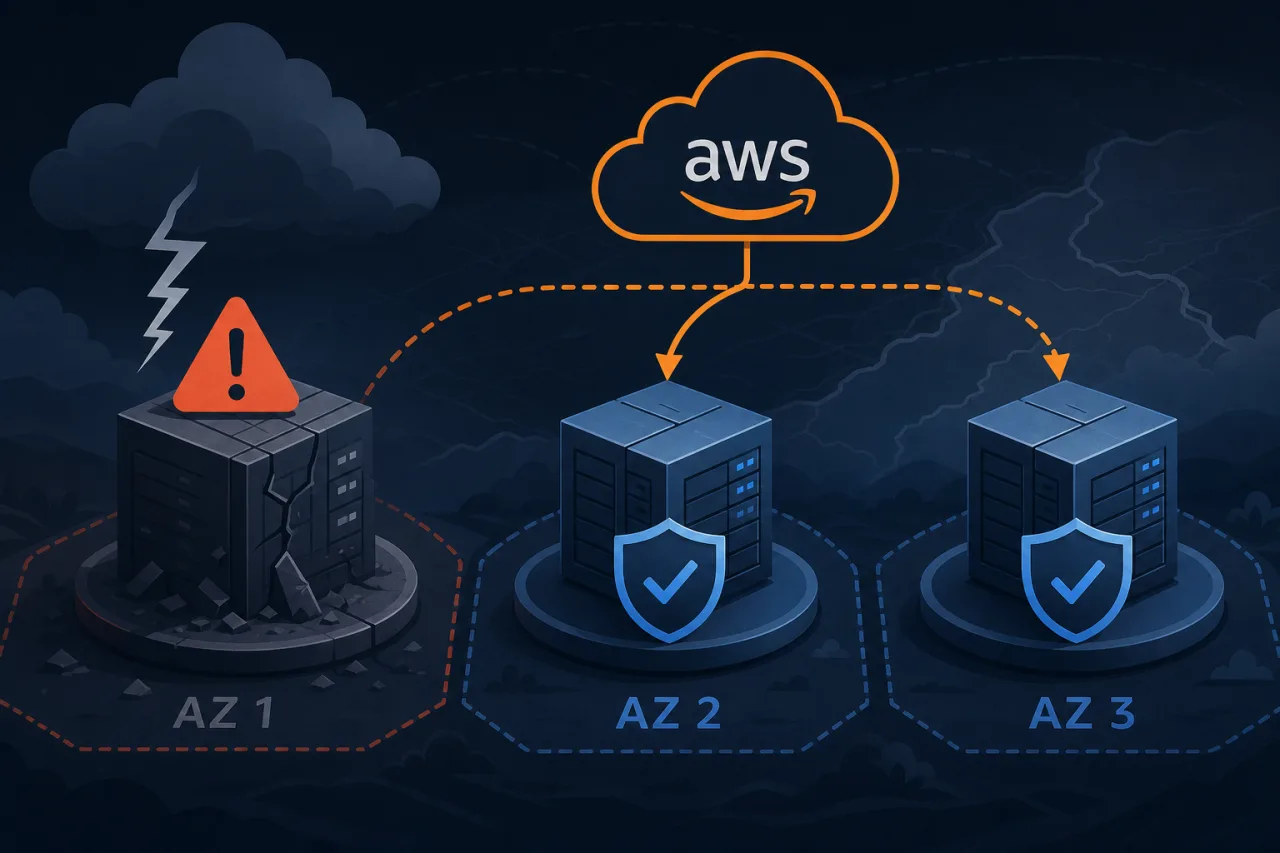
Why AZ Failures Still Catch Teams Off Guard
AWS Availability Zones are physically separate data centers with independent power, networking, and cooling. They fail less often than a single server, but they do fail — and when they do, the blast radius can be large if your architecture assumes AZ-level reliability.
The good news: AWS is explicitly designed so that multi-AZ architectures can absorb a full AZ loss without meaningful downtime. The bad news: that capability doesn't come for free. You have to wire it up deliberately.
The Core Principle: Treat Every AZ as Disposable
Design each layer of your stack so you can terminate every resource in one AZ and the application keeps serving traffic. If you can't do that today, the sections below explain where to start.
Layer-by-Layer Breakdown
Compute (EC2 / Auto Scaling)
Spread your Auto Scaling Group across at least three AZs. Set the balance rebalancing policy so ASG redistributes instances automatically after a failure and recovery.
- Use
AZRebalancesuspension carefully — it's useful during a live incident to stop ASG from launching into a broken AZ, but re-enable it afterward. - Size each AZ to handle the full expected load on its own, or at minimum the load shared across N-1 AZs.
- Prefer instance types available in all your target AZs; narrow instance families sometimes exist only in one or two AZs per region.
Load Balancing
Application Load Balancers and Network Load Balancers are inherently multi-AZ. Enable cross-zone load balancing so traffic distributes evenly across healthy targets regardless of which AZ the request enters through.
Enable ALB deletion protection and health check tuning: a threshold of two consecutive failures before marking a target unhealthy is usually a better balance than the default of five for fast failover.
Databases
This is where most AZ failures turn fatal.
RDS Multi-AZ (non-Aurora): The standby is synchronous but not readable. Failover typically completes in 60–120 seconds. That's fast enough for most workloads if your application retries connections, but you must handle the brief connection reset in code.
Aurora: Uses a shared distributed storage layer across AZs. A writer failover to a reader replica usually completes in under 30 seconds. Use Aurora if you need faster RTO or want readable replicas in each AZ.
ElastiCache (Redis): Enable cluster mode with Multi-AZ and automatic failover. Without this, a primary-node AZ loss takes your cache down.
Self-managed databases: If you run Postgres or MySQL on EC2, you're responsible for replication, VIP management, and failover scripting. Tools like Patroni (Postgres) handle this, but require careful testing.
Networking and DNS
- Deploy NAT Gateways per AZ, not one shared gateway. A single NAT Gateway is one of the most common single points of failure teams overlook.
- Use VPC endpoints where possible to avoid NAT entirely for AWS service traffic.
- Route 53 health checks with failover routing can redirect traffic at the DNS level, but TTLs mean this takes time. It's a complement to ALB health checks, not a replacement.
Stateful Services and Queues
SQS and SNS are regional and AZ-resilient by default — use them to decouple components that might be temporarily unavailable. If you use Kafka on EC2, spread brokers across AZs and configure replication factor ≥ 3 with min.insync.replicas = 2.
Testing Your Multi-AZ Readiness
Architecture diagrams don't fail; running systems do. Test regularly:
- Simulate AZ loss with AWS Fault Injection Simulator (FIS): Create an experiment that terminates all EC2 instances in one AZ and blocks AZ-specific traffic.
- Watch your ALB target group metrics: Confirm healthy host count drops and recovers within your RTO target.
- Trigger an RDS failover manually: Use
aws rds reboot-db-instance --force-failoverand measure actual application impact. - Check your monitoring: Ensure alerts fire during the simulated outage, not after you've already fixed it.
Where Uptime Monitoring Fits In
Internal health checks only tell you what AWS sees. An external monitoring service hitting your endpoints from multiple regions tells you what your users see. During an AZ failure, an internal probe in the same AZ might be unhealthy or unreachable, giving you a false negative or no signal at all. External probes from outside AWS confirm whether your multi-AZ failover actually worked from the customer's perspective — which is the only perspective that matters.
Key Takeaways
- Spread every stateful and stateless layer across at least three AZs.
- Deploy one NAT Gateway per AZ — a shared NAT Gateway is a hidden single point of failure.
- Enable cross-zone load balancing on your ALB/NLB.
- Use RDS Multi-AZ or Aurora; plan for and test the failover window.
- Run regular chaos experiments with FIS to validate your assumptions before AWS does it for you.
- Pair internal AWS health checks with external uptime monitoring to confirm real-user impact during incidents.