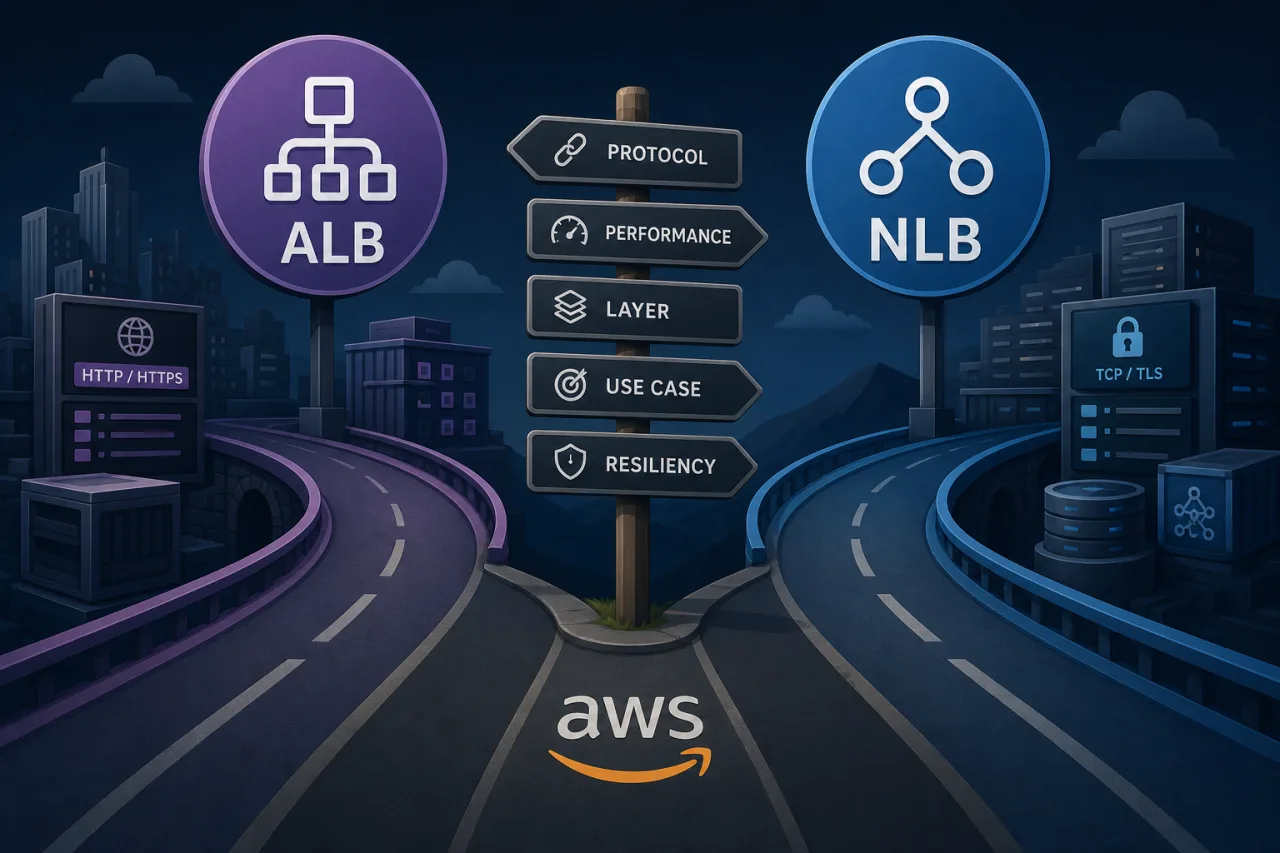
Application Load Balancer vs Network Load Balancer: Choosing Right
AWS gives you two production-grade load balancers that cover the majority of workloads: the Application Load Balancer (ALB) and the Network Load Balancer (NLB). They solve different problems, and picking the wrong one creates headaches — unnecessary latency, broken WebSocket connections, or TLS termination in the wrong place.
Here's how to think through the decision.
What Each Load Balancer Actually Does
Application Load Balancer (ALB)
ALB operates at Layer 7 (HTTP/HTTPS). It understands request content, which means it can route traffic based on:
- URL path (
/api/*→ service A,/static/*→ service B) - Host headers (virtual hosting across multiple domains)
- HTTP method, query strings, and request headers
- gRPC and WebSocket protocols
Because ALB terminates TLS and parses the HTTP request before forwarding, it adds a small amount of latency. For most web applications this is imperceptible. ALB also integrates natively with AWS WAF, Cognito for authentication offloading, and Lambda as a target.
Network Load Balancer (NLB)
NLB operates at Layer 4 (TCP/UDP/TLS). It forwards packets without inspecting application-layer content. Key characteristics:
- Extremely low latency — sub-millisecond overhead is achievable
- Static IP addresses per Availability Zone (useful for firewall allowlisting)
- Preserves the client source IP by default
- Handles millions of requests per second without pre-warming
- Supports TLS passthrough (termination happens at your backend)
NLB has no concept of HTTP paths or headers. Routing decisions are based purely on IP and port.
Decision Criteria
Use ALB when:
- You're running HTTP/HTTPS microservices and need path- or host-based routing
- You want a single load balancer to front multiple services (reducing cost vs. one NLB per service)
- You need AWS WAF for DDoS mitigation or request filtering
- You're offloading TLS termination and don't need end-to-end encryption to the instance
- You use Lambda, ECS, or EKS with Ingress and want tight AWS-native integration
- You need HTTP/2 or gRPC support
Use NLB when:
- You need fixed IP addresses for client allowlisting or regulatory requirements
- Your protocol is non-HTTP (MQTT, custom TCP, game server UDP, financial FIX protocol)
- Latency at the load balancer layer is a measurable concern (trading systems, real-time data pipelines)
- You need TLS passthrough so certificates are managed entirely by backend instances
- You're exposing services via AWS PrivateLink — NLB is required here
- You need to preserve the original client IP without configuring X-Forwarded-For parsing
Common Trap: Using NLB for HTTP Traffic
Engineers sometimes reach for NLB because it feels "closer to the metal." For plain HTTP workloads, this usually backfires:
- You lose path-based routing, forcing separate NLBs or port-based multiplexing.
- WAF integration is unavailable, leaving you to handle filtering in application code.
- Health checks are TCP-only unless you configure HTTP checks manually — you may not catch application-level failures.
- Certificate management moves entirely to your instances, increasing operational overhead.
If your traffic is HTTP, default to ALB unless you have a specific reason not to.
TLS Termination: Where Should It Happen?
This is where teams often get tripped up.
- ALB terminates TLS: ALB decrypts traffic, then re-encrypts (or sends plain HTTP) to targets. Use ACM certificates — no cost, auto-renewed.
- NLB TLS termination: NLB can terminate TLS at the load balancer, same ACM integration.
- NLB TLS passthrough: Traffic is forwarded encrypted. Your backend terminates. Needed when you must prove end-to-end encryption for compliance, or when the backend manages its own certificates.
For most web services, ALB termination with ACM is the lowest-friction path.
Monitoring Considerations
Whichever load balancer you choose, treat the load balancer endpoint as a separate monitoring target from your origin servers. An ALB can be healthy while a misconfigured target group drains all healthy instances. An NLB can pass TCP checks while the application behind it is returning 500s.
External uptime monitoring from multiple regions — checking actual HTTP response codes and content, not just TCP connectivity — catches this gap. If you're using Pingy, point synthetic checks at both the load balancer hostname and critical application paths so you catch routing misconfigurations, not just infrastructure failures.
Key Takeaways
- ALB = Layer 7: Use it for HTTP/HTTPS workloads, microservices routing, WAF, and Lambda targets.
- NLB = Layer 4: Use it for fixed IPs, non-HTTP protocols, ultra-low latency, or PrivateLink.
- Default to ALB for web traffic; reach for NLB only when you have a concrete technical requirement.
- TLS termination at the load balancer (via ACM) reduces certificate management overhead in both cases.
- Health checks at the load balancer layer don't guarantee application health — add external HTTP monitoring to close that blind spot.