The Short Version
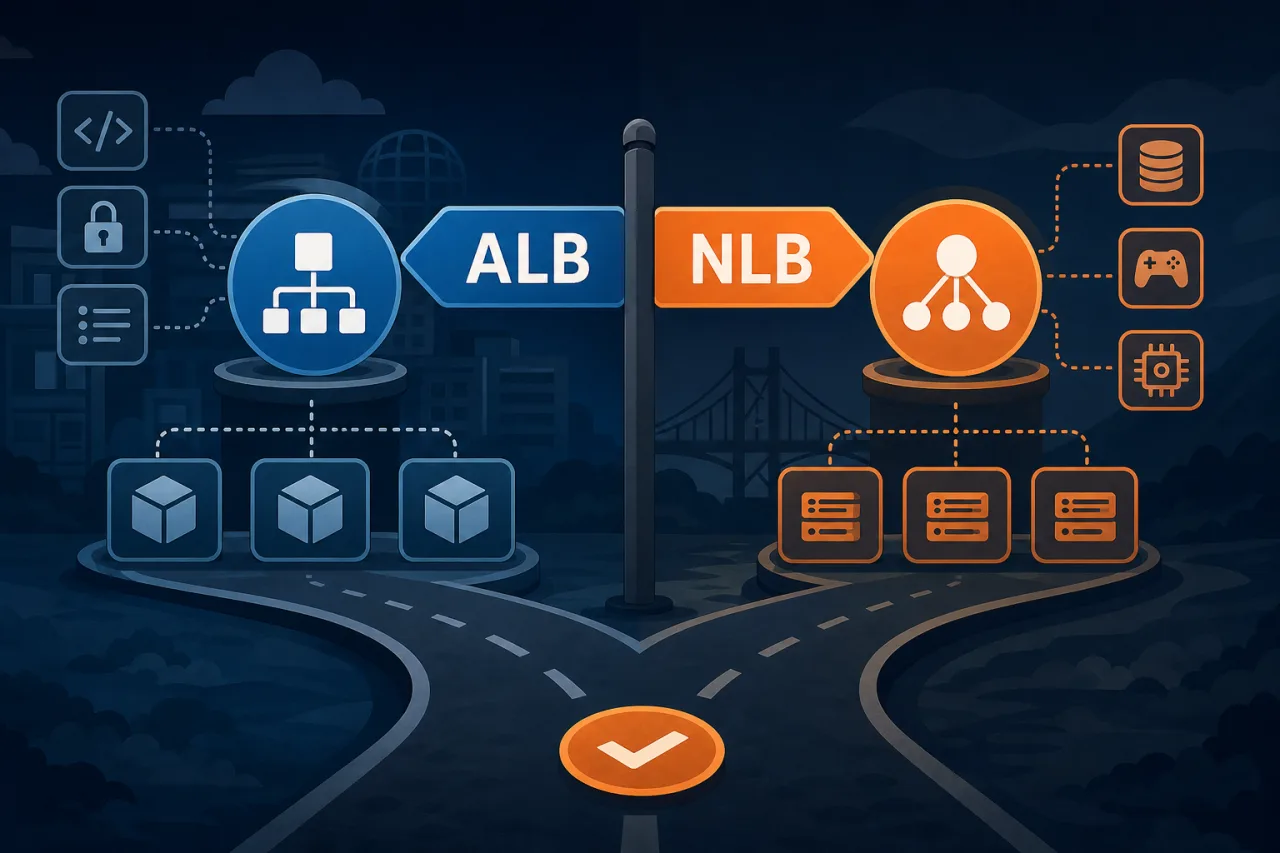
AWS gives you two serious load balancer options for modern workloads: the Application Load Balancer (ALB) and the Network Load Balancer (NLB). They solve different problems. Picking the wrong one costs you performance, money, or both — and can make incident response harder than it needs to be.
What Each One Actually Does
Application Load Balancer (ALB)
ALB operates at Layer 7 (HTTP/HTTPS). It understands application-layer concepts: hostnames, URL paths, HTTP headers, query strings, and gRPC methods. This makes it the right tool for most web application traffic.
Key capabilities:
- Content-based routing — route
/api/*to one target group and/static/*to another - Host-based routing — serve multiple domains from a single load balancer
- WebSocket and HTTP/2 support
- Native AWS WAF integration for request filtering
- Sticky sessions via cookies
- Authentication offloading using Cognito or any OIDC-compliant IdP
- gRPC support for microservice architectures
ALB terminates TLS, inspects each request, and makes a routing decision. That inspection adds a small amount of latency — typically single-digit milliseconds — but gives you enormous flexibility.
Network Load Balancer (NLB)
NLB operates at Layer 4 (TCP/UDP/TLS). It does not inspect packet contents. It routes based on IP address and port, forwarding connections to targets with minimal processing.
Key capabilities:
- Extreme throughput — handles millions of requests per second
- Ultra-low latency — no application-layer inspection
- Static IP addresses per Availability Zone — useful when clients or firewalls require fixed IPs
- TLS passthrough — terminate TLS at the target, not the load balancer
- Preservation of source IP — targets see the real client IP without extra headers
- TCP and UDP support — needed for non-HTTP protocols like DNS, MQTT, gaming, or financial data feeds
NLB is deliberately lean. It doesn't know about HTTP methods, cookies, or hostnames. That's a feature, not a limitation.
How to Choose
Start with the protocol. If your clients send HTTP or HTTPS and you want routing flexibility, start with ALB. If your protocol is TCP or UDP, or if you need guaranteed low latency and static IPs, use NLB.
Use ALB when:
- You're running web apps, REST APIs, or GraphQL endpoints
- You need path-based or host-based routing
- You want WAF rules applied at the load balancer
- You're using Amazon ECS or EKS with HTTP services and want fine-grained routing
- You need to authenticate users at the edge before requests hit your app
Use NLB when:
- You need to expose non-HTTP protocols (TCP, UDP, TLS passthrough)
- Clients require whitelisting a fixed IP address
- You're handling very high connection rates where latency matters at the microsecond level
- You're running an NLB in front of an ALB (a common pattern for combining static IPs with HTTP routing)
- You need to preserve the original client IP at the network layer without relying on
X-Forwarded-For
Common Architecture Patterns
NLB → ALB chaining: Place an NLB in front of an ALB when you need static IPs for your clients but still want Layer 7 routing features. Register the ALB as a target for the NLB. This is an officially supported pattern.
ALB with weighted target groups: Shift traffic gradually between versions of your app by adjusting target group weights. Useful for canary deployments without touching DNS.
NLB for internal microservices: When latency between services is a concern and protocols are not HTTP-only, NLB gives you a fast, predictable forwarding layer.
Health Checks and Observability
Both ALB and NLB support health checks, but the granularity differs. ALB health checks can verify an HTTP 200 on a specific path. NLB health checks work at the TCP level by default, though HTTP/HTTPS checks are also supported.
One thing to keep in mind: your load balancer health checks only test from within your VPC. They won't tell you whether end users in Tokyo or Frankfurt can reach your service. That's where external monitoring matters — running synthetic checks from multiple regions gives you a ground-truth view of availability that internal probes can't provide.
Key Takeaways
- ALB = Layer 7, best for HTTP/HTTPS with routing logic, WAF, and auth offloading
- NLB = Layer 4, best for TCP/UDP, static IPs, low latency, and source IP preservation
- When in doubt, ALB covers most web application use cases out of the box
- You can chain NLB → ALB when you need both static IPs and HTTP routing
- Internal health checks and external uptime monitoring serve different purposes — use both
- Revisit your choice if your protocol requirements or throughput profile change significantly