Why DNS Failover Matters
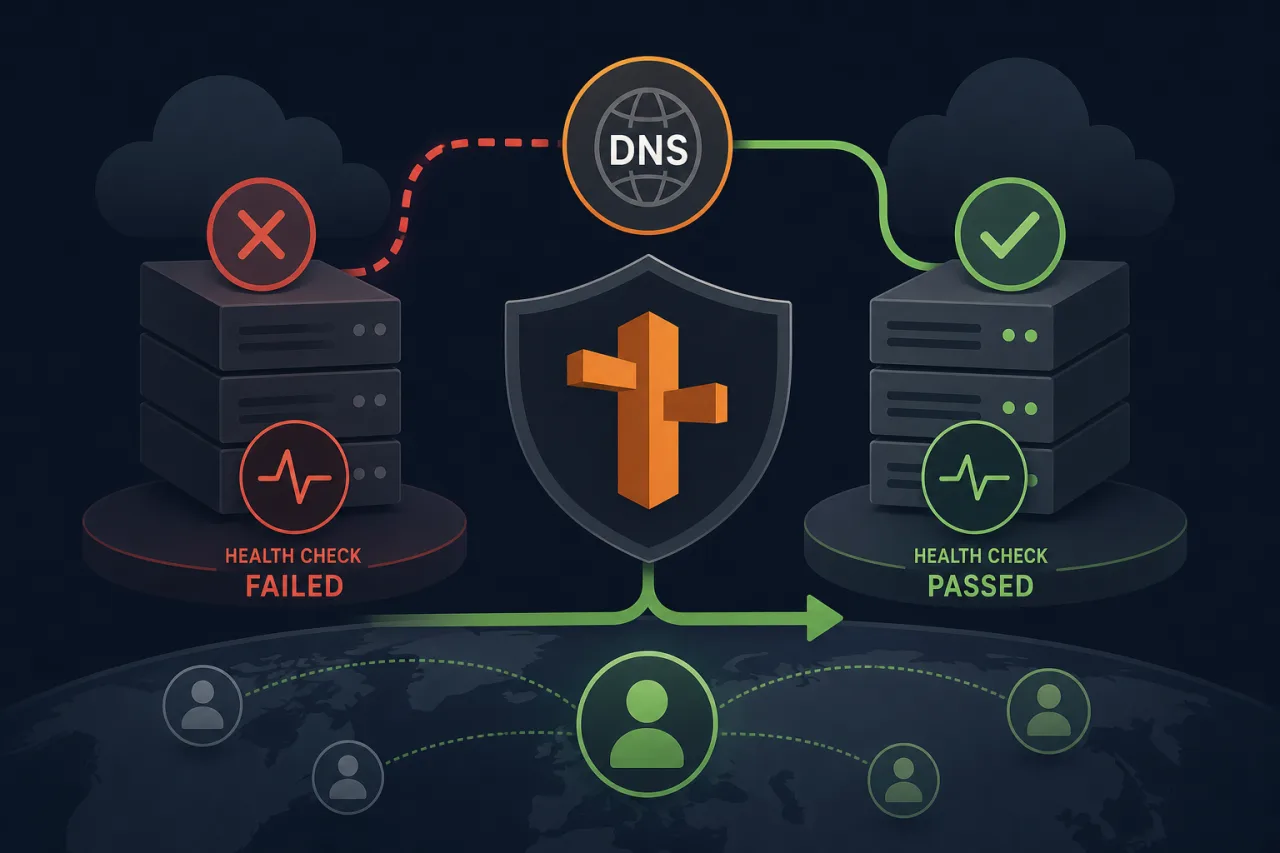
When a primary server or region fails, every second of unresolved traffic is lost revenue and frustrated users. Route 53's health-check-based failover lets you shift DNS automatically — no manual intervention, no custom scripts, no separate load balancer required for simple active/passive setups.
This guide walks through a concrete implementation: one primary endpoint (say, us-east-1) and one secondary (eu-west-1), with Route 53 making the routing decision.
Step 1: Create a Health Check
- Open the Route 53 console and choose Health checks → Create health check.
- Give it a descriptive name:
primary-us-east-1. - Set What to monitor to Endpoint.
- Choose HTTP, HTTPS, or TCP depending on what your origin exposes. HTTPS is preferred for any public endpoint.
- Enter the IP address or domain name of your primary origin.
- Set the Path to a dedicated health endpoint —
/healthor/ping— not your homepage. The health endpoint should return200 OKonly when the application is genuinely ready to serve traffic. - Under Advanced configuration:
- Request interval: 30 seconds (standard) or 10 seconds (fast — costs more but reacts quicker).
- Failure threshold: 3 consecutive failures before Route 53 marks the endpoint unhealthy.
- Click Create health check.
Repeat for your secondary endpoint if you want Route 53 to verify it before failing over (recommended).
Step 2: Create Failover DNS Records
Navigate to your hosted zone and create two records for the same name, e.g. api.example.com.
Primary record
- Record type: A (or AAAA / CNAME as needed)
- Routing policy: Failover
- Failover record type: Primary
- Value: IP or alias of your primary endpoint
- Health check: select the health check you just created
- TTL: 60 seconds — low enough for fast propagation during a failure
Secondary record
- Record type: A (same name)
- Routing policy: Failover
- Failover record type: Secondary
- Value: IP or alias of your secondary / fallback endpoint
- Health check: attach the secondary health check if you created one
- TTL: 60 seconds
Route 53 serves the primary record as long as its health check passes. The moment the check fails the threshold, Route 53 starts serving the secondary record to new DNS queries.
Step 3: Validate the Setup
Before you trust this in production, test it deliberately:
- Force a failure: temporarily block port 443 on your primary origin (security group rule or firewall) and watch the Route 53 console. The health check status should flip to Unhealthy within 30–90 seconds depending on your interval and threshold settings.
- Confirm DNS resolution shifts: from multiple locations, run
dig api.example.comor use an online DNS propagation checker. You should see the secondary IP resolving after the check fails. - Restore the primary and confirm Route 53 fails back automatically.
What Route 53 Health Checks Do Not Cover
Route 53 evaluates your endpoint from a set of AWS-operated locations. These checks are good for detecting obvious outages — a crashed process, a TCP port that stopped accepting connections, a consistent HTTP 5xx — but they have limits:
- They don't test application logic or database connectivity unless your health endpoint does.
- They probe from AWS infrastructure, so ISP or CDN issues affecting real users may not be caught immediately.
- They don't alert your team; they only affect DNS routing.
External HTTP checks can help validate whether the public endpoint works before and after a Route 53 change. Detection depends on check intervals and confirmation rules; it is not guaranteed to precede Route 53 health-check failure.
Step 4: Set Up CloudWatch Alarms for Visibility
Health check status changes won't page anyone by default. Wire up alerting:
- In CloudWatch, create an alarm on the metric
HealthCheckStatus(namespaceAWS/Route53) for your health check ID. - Threshold: alarm when the value is
< 1(i.e., unhealthy). - Attach an SNS topic that sends to email, PagerDuty, Slack — wherever your team receives incidents.
This ensures a DNS failover is never silent.
Key Takeaways
- Use a dedicated
/healthendpoint that reflects real application readiness, not just TCP reachability. - Keep TTLs at 60 seconds or lower on failover records so DNS changes propagate quickly.
- Attach health checks to both primary and secondary records to avoid failing over to a broken standby.
- Wire CloudWatch alarms to SNS so failovers generate an alert — DNS changes alone are invisible.
- External multi-region monitoring catches degradation faster and from the user's perspective, complementing what Route 53 health checks provide.
- Test your failover intentionally in staging before relying on it in production.