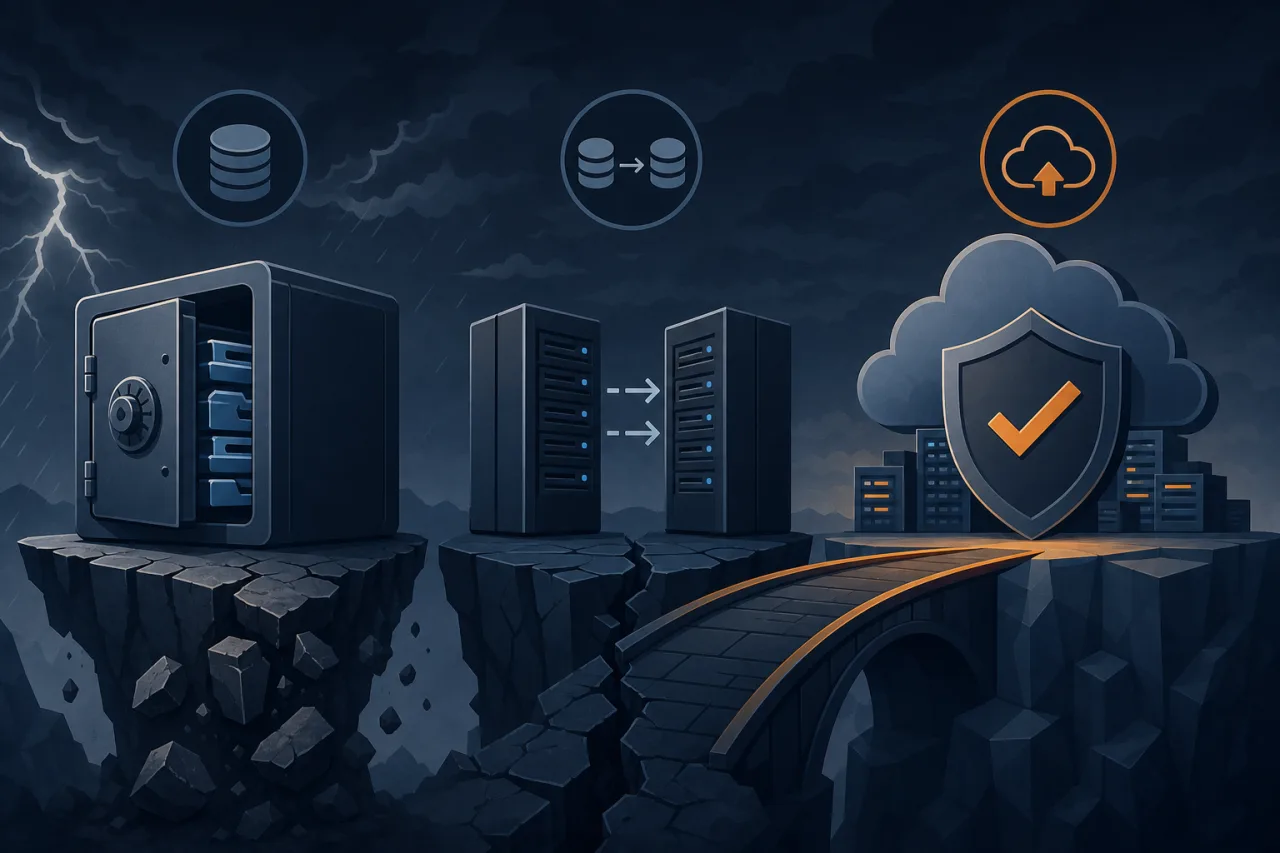
The Problem With Treating These as Synonyms
Backup, replication, and Disaster Recovery as a Service (DRaaS) each solve a different problem. Conflating them is how teams end up with a 14-hour RTO during an incident because they thought "we have backups" meant "we can recover fast."
Let's be precise about what each one does — and where each one breaks down.
Backups: Your Last Line of Defense Against Data Loss
A backup is a point-in-time copy of your data stored separately from the source. Full, incremental, differential — the mechanics vary, but the core idea is the same: you can restore a known-good state after corruption, ransomware, accidental deletion, or catastrophic failure.
What backups are good for
- Recovering from logical corruption (a bad migration, a
DROP TABLEwithout aWHERE) - Long-term retention for compliance
- Protecting against ransomware that has already propagated to live systems
Where backups fail you
Backups have two numbers that define their usefulness: RPO (Recovery Point Objective — how much data can you afford to lose?) and RTO (Recovery Time Objective — how long can you be down?).
A nightly backup gives you an RPO of up to 24 hours. Restoring a large Postgres database from S3 might take hours. If your SLA requires 99.9% uptime, a 4-hour restore window is already a breach.
Backups are not availability tools. They are data-preservation tools.
Replication: Keeping a Live Copy Ready
Replication continuously copies data from a primary system to one or more replicas — often in near-real-time. Read replicas in RDS, streaming replication in Postgres, or active-passive setups in MySQL all fall here.
What replication is good for
- Reducing RTO dramatically — a replica can be promoted in seconds to minutes
- Distributing read load across regions
- Surviving infrastructure failures (a dead primary, an AZ outage)
Where replication fails you
Replication faithfully copies everything — including mistakes. If you run a bad UPDATE against your primary, the replica has it too within milliseconds. Replication does not protect against logical errors or ransomware that has already executed.
Also: replication alone is not failover. Promoting a replica requires orchestration, DNS changes, application reconnects, and verification. Without automation and a tested runbook, that promotion can still take hours under pressure.
DRaaS: Orchestrated Recovery as a Managed Capability
DRaaS combines infrastructure replication, automated failover orchestration, and testing into a managed service. Providers like Zerto, Veeam Cloud, or AWS Elastic Disaster Recovery handle continuous replication, define recovery workflows, and let you run non-disruptive failover tests.
What DRaaS is good for
- Meeting aggressive RTO/RPO targets (often minutes, not hours) across entire application stacks
- Compliance requirements that mandate tested DR plans
- Teams that lack the internal capacity to build and maintain custom failover automation
Where DRaaS falls short
DRaaS adds real cost and complexity. It can create a false sense of security if failover tests are never run, or if the monitoring that would trigger a failover isn't configured correctly. A DR plan nobody has practiced is just documentation.
Choosing the Right Combination
These three tools are not mutually exclusive. Most production systems need all three layers:
- Backups — retained for days to months, tested with periodic restores, stored in a separate region or account
- Replication — for fast promotion during infrastructure failures, with automated health checks on replica lag
- DRaaS or failover automation — for coordinated recovery of multi-tier applications when a whole environment goes down
A practical checklist before your next incident
- Do you know your actual RTO and RPO — not aspirational numbers, but what your last restore drill showed?
- Are your backups in a separate account or region from your primary?
- Is replica lag monitored and alerted on?
- Have you promoted a replica in a staging environment in the last 90 days?
- Does your runbook account for DNS TTLs, connection pool draining, and cache invalidation?
- Has anyone actually read the DRaaS provider's failover documentation recently?
Where Uptime Monitoring Fits In
None of this matters if you don't know your service is down. Multi-region uptime monitoring — checking your endpoints from multiple geographic locations simultaneously — catches regional DNS failures, routing issues, and partial outages that single-location checks miss. That detection signal is what kicks off your recovery workflow, whether that's paging an on-call engineer or triggering automated failover.
Monitoring doesn't replace DR. But without it, your DR plan starts late.
Key Takeaways
- Backups protect against data loss; they are poor availability tools
- Replication reduces RTO but replicates mistakes too — it is not a substitute for backups
- DRaaS orchestrates recovery across an entire stack but requires tested runbooks to deliver on its promises
- Your real RTO is what a restore drill shows, not what the architecture diagram implies
- Detection speed matters: a DR plan that starts 45 minutes late because nobody noticed the outage has a hidden RTO problem