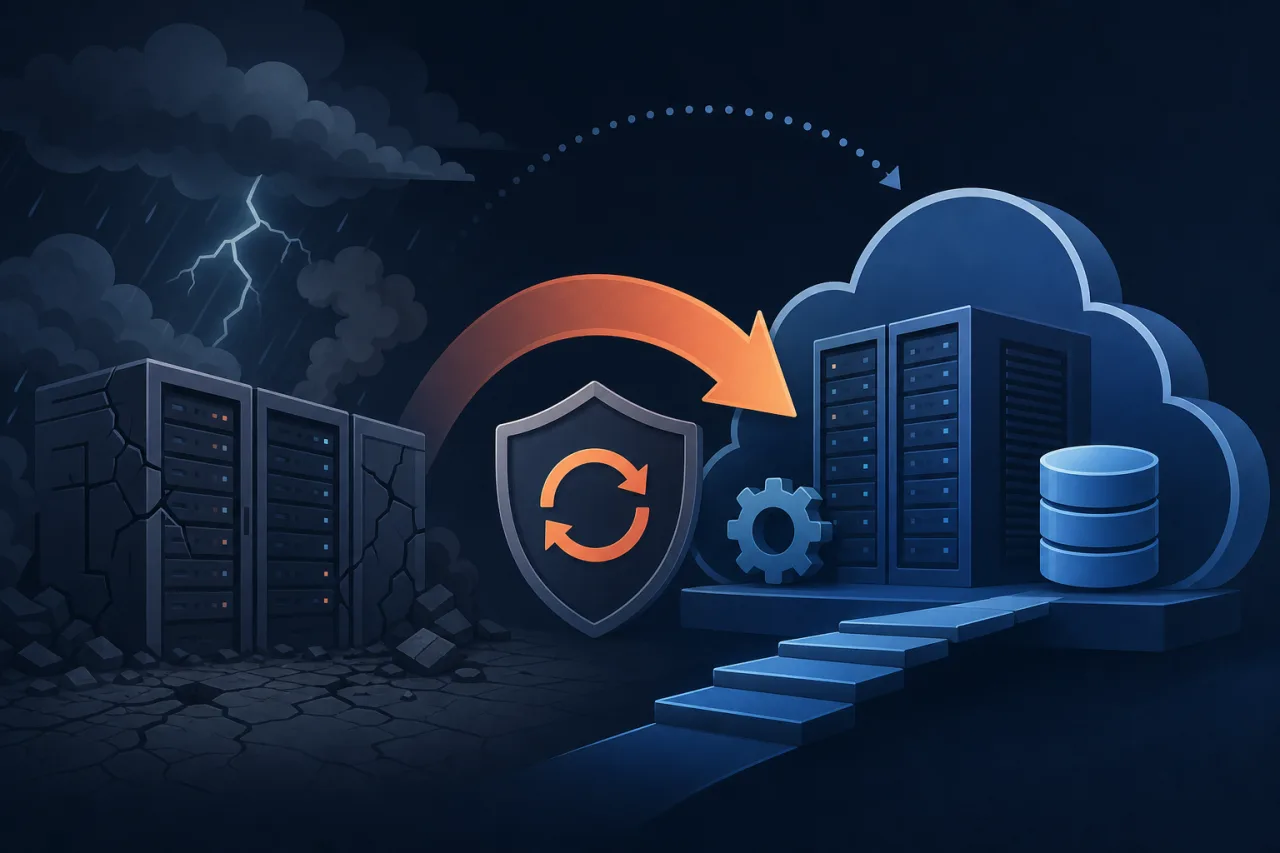
What DRaaS Is (and Isn't)
Disaster Recovery as a Service (DRaaS) is the outsourcing of your DR orchestration — replication, failover, and failback — to a third-party provider that runs the infrastructure on your behalf. You pay for capacity that sits idle until you need it, rather than owning a second data centre yourself.
It is not a backup service. Backups let you restore data. DRaaS lets you restore operations — running compute, networking, and state — typically within minutes rather than hours or days. Conflating the two is one of the most common planning mistakes teams make.
Core Concepts You Need to Understand
Recovery Time Objective (RTO)
The maximum acceptable time between an outage starting and your service being functional again. A typical SaaS product might target an RTO of 15 minutes; a batch-processing pipeline might tolerate 4 hours.
Recovery Point Objective (RPO)
The maximum acceptable data loss measured in time. An RPO of 5 minutes means you can afford to lose at most 5 minutes of writes. Achieving a low RPO requires continuous or near-continuous replication, which raises cost.
Replication Models
- Synchronous replication — every write is committed to both primary and replica before the client gets an acknowledgement. Zero or near-zero RPO; adds latency.
- Asynchronous replication — writes are acknowledged at the primary and synced to the replica on a schedule or continuously in the background. Lower cost and latency; non-zero RPO.
- Pilot light — a minimal replica environment is kept warm (database replication running, compute off) and scaled up on failover.
- Warm standby — a scaled-down but fully running copy. Faster failover than pilot light; higher ongoing cost.
- Multi-site active/active — traffic runs across both sites simultaneously. Fastest failover; most complex and expensive.
How DRaaS Providers Work
Most DRaaS providers — AWS Elastic Disaster Recovery, Zerto, Veeam, VMware Live Recovery — install agents or use hypervisor-level replication to continuously journal block-level changes from your source environment to their cloud. On a declared disaster, they spin up VMs or containers from the replicated disk images, re-point DNS or load balancers, and hand control to your team.
Key questions to ask any provider:
- What is their tested RTO for a full-stack failover in your configuration?
- Is failback (returning to the original site) automated or manual?
- How is network configuration — VPCs, security groups, IP addressing — handled across environments?
- Can you trigger a non-destructive failover test without affecting production?
- What are the egress and storage costs during normal replication, not just during a declared disaster?
Implementing DRaaS: A Starting Checklist
Before you sign a contract, do the groundwork:
- Inventory your dependencies. List every service, database, message queue, and external integration your application touches. Failover is only complete when all of them are accounted for.
- Define RTO and RPO per service tier. Your payment service and your internal analytics dashboard probably have different tolerances. Treat them differently.
- Map your data flows. Know which components write state and where. Stateless services are trivial to failover; stateful ones need explicit replication plans.
- Test before you need it. Most providers support dry-run failovers. Run one at least quarterly. Document what breaks.
- Automate DNS and health-check cutover. Manual DNS changes under pressure cause errors. Use automated failover policies in Route 53, Cloudflare, or your DNS provider.
- Validate application behaviour post-failover. A VM starting up does not mean your application is serving traffic correctly. Synthetic checks and smoke tests must run automatically after cutover.
Where Uptime Monitoring Fits In
DRaaS handles the recovery mechanics, but it doesn't tell you when to pull the trigger. That decision depends on having reliable, multi-region monitoring that can distinguish a genuine regional outage from a transient blip or a monitoring node failure.
If your monitoring only runs from a single location, a regional network event can produce false positives — or worse, fail silently. Running checks from multiple independent locations gives you the signal quality needed to make a failover decision with confidence rather than guesswork. Pingy's multi-region probes are designed for exactly this — confirming whether an incident is localised or widespread before you escalate.
Key Takeaways
- DRaaS is operational recovery, not data backup. You likely need both.
- Define RTO and RPO before evaluating providers — the numbers drive architecture and cost.
- Pilot light and warm standby are the most common starting points for teams without active/active budgets.
- Non-destructive failover tests should be scheduled, not heroic one-off events.
- Monitoring quality determines the confidence of your failover trigger — single-region checks are not sufficient.
- Read the egress pricing carefully. Replication costs accumulate in the background every day.