What Is a Warm Standby?
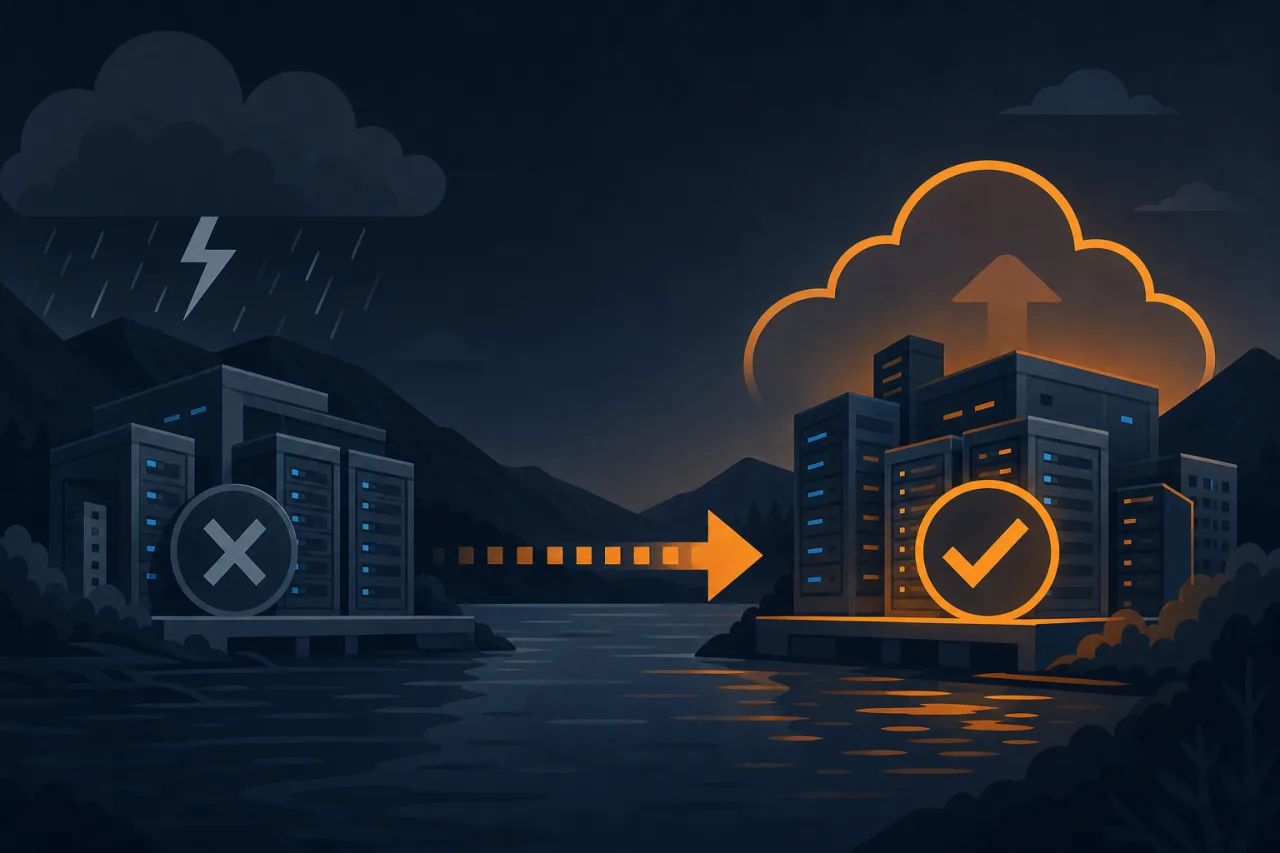
A warm-standby DR site sits between a cold standby (infrastructure defined but not running) and a hot standby (active–active, serving live traffic). The secondary environment is provisioned and kept roughly in sync with production, but it isn't serving user traffic under normal conditions. When a failure hits, you promote it and point DNS at it. Recovery time is measured in minutes rather than hours.
This guide focuses on the practical steps to build one, not the theory.
1. Define Your Recovery Targets First
Before touching infrastructure, agree on two numbers:
- RTO (Recovery Time Objective): How long can you be down? If the answer is "30 minutes", your DR runbook and automation must execute within that window, including the time to detect the failure.
- RPO (Recovery Point Objective): How much data loss is acceptable? An RPO of 5 minutes means your replication lag must stay under 5 minutes at all times.
Every architecture decision below flows from these two constraints.
2. Choose Your Secondary Region
Pick a cloud region (or a second datacenter) that is geographically and electrically independent from your primary. For most teams on AWS, GCP, or Azure, this means a different geographic cluster, not just a different availability zone within the same region — AZs share the same regional control plane for some services.
Considerations:
- Network latency between primary and secondary affects synchronous replication feasibility.
- Regulatory or data-residency requirements may constrain your options.
- Cost: a warm standby at ~20–30% of primary capacity is a reasonable starting point for non-peak workloads.
3. Replicate Your Data Layer
This is the hardest part. Your approach depends on your database.
Relational databases (PostgreSQL, MySQL)
Use built-in streaming replication to a read replica in the secondary region. The replica runs but does not serve writes. Monitor replication lag continuously — lag above your RPO threshold is a silent incident.
Object storage
Enable cross-region replication (S3 CRR, GCS replication, etc.) for all buckets that hold state. Verify replication with periodic canary objects.
Stateful caches (Redis, Memcached)
Caches are typically not replicated. Document what a cold cache means for your application on failover — latency spikes, thundering herd risk — and plan accordingly.
4. Mirror Your Application Infrastructure
Keep the secondary environment's IaC (Terraform, Pulumi, CloudFormation) in the same repository as production. Apply it to a separate workspace or account. The secondary should run a scaled-down but functionally identical stack:
- Same container images, same versions
- Same secrets management setup (replicated secrets, not copies)
- Smaller instance sizes or fewer replicas — you can scale up during failover
- Load balancer provisioned and health-checked, even if it receives no traffic
Do not let configuration drift build up. A secondary environment that has diverged from production is not a DR site — it's a liability.
5. Automate the Failover Runbook
A runbook you can only execute manually under stress will take longer than your RTO. Automate as much of the following as possible:
- Detect that the primary is unavailable (see monitoring, below).
- Promote the database replica to primary in the secondary region.
- Update application configuration to point at the new database endpoint.
- Scale up the secondary application tier if needed.
- Update DNS records (low TTL on your DR A/CNAME records — 60 seconds is common).
- Validate health checks pass on the secondary endpoint.
- Page the on-call team and open a postmortem ticket automatically.
Step 1 is critical. Automated failover you don't trust is dangerous; most teams start with automated detection and alerting, then manually approve promotion until they've drilled it enough times to trust full automation.
6. Monitor From Outside Both Regions
Your internal monitoring is co-located with your primary infrastructure — if the primary region has a networking or DNS problem, your internal monitors may be affected too. External uptime monitoring from multiple geographic vantage points gives you an independent signal.
This is where a service like Pingy is genuinely useful: HTTP checks running from regions outside your primary can confirm whether users actually can't reach you, and whether your DR endpoint came up cleanly after failover. Set up separate monitors for your primary and secondary endpoints so you have visibility into both at all times.
7. Test It — Regularly
A DR site you have never failed over to is unvalidated. Schedule a failover drill at least quarterly:
- Do a full failover to the secondary in a maintenance window.
- Measure your actual RTO and RPO against targets.
- Run your application's smoke test suite against the secondary.
- Fail back to primary and confirm replication resumes cleanly.
Document every drill. Gaps you find in a drill are far cheaper than gaps you find in a real incident.
Key Takeaways
- Set RTO and RPO before designing anything else.
- Replication lag is a continuous metric, not a setup checkbox.
- IaC parity between primary and secondary prevents configuration drift.
- Automate detection first; automate promotion only after you trust it.
- External, multi-region monitoring gives you an independent failure signal.
- Untested DR is the same as no DR — drill it on a schedule.