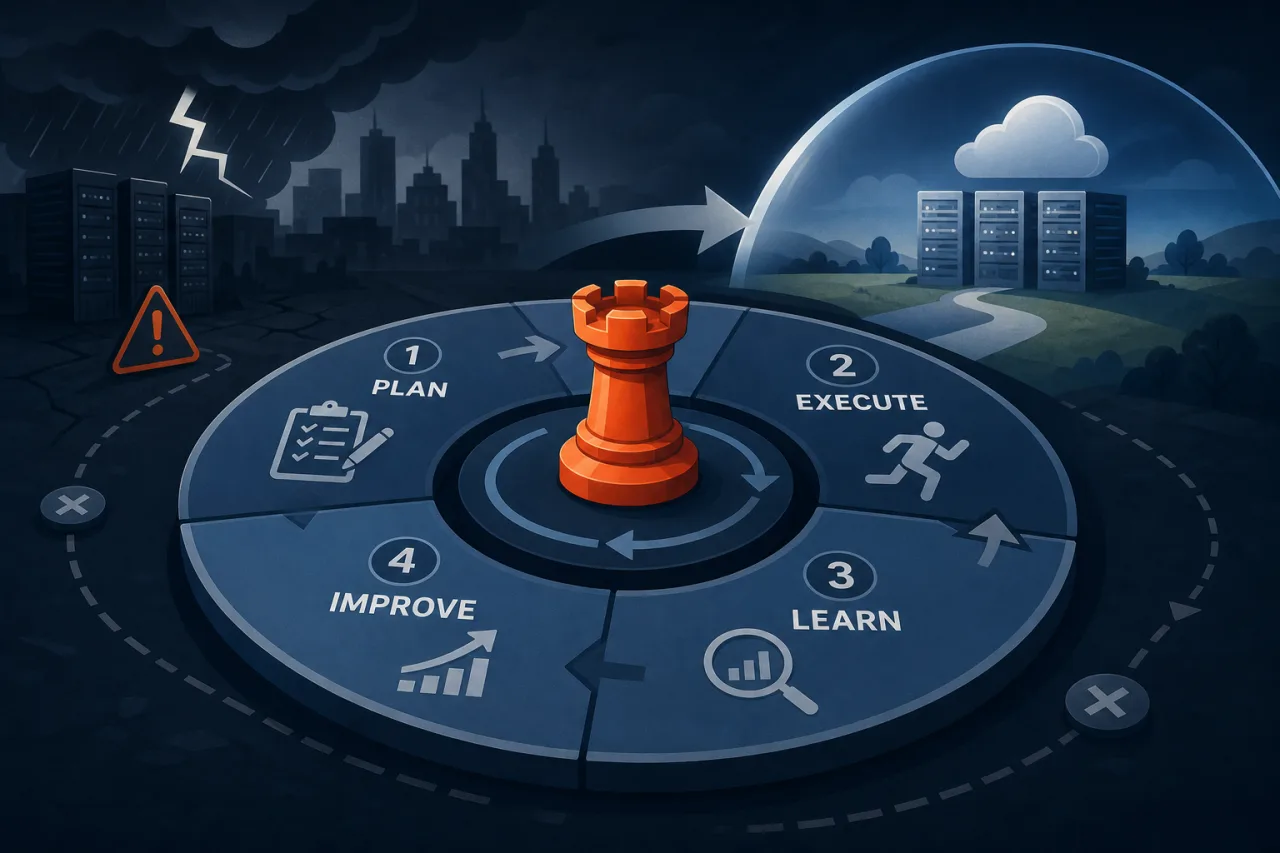
What Is a Game Day?
A game day is a scheduled, controlled exercise where your team deliberately breaks something in production—or a production-like environment—to validate that your disaster-recovery runbooks, tooling, and muscle memory actually work. The goal is to surface gaps while you control the blast radius, not at 3 a.m. during a real incident.
Game days borrow from chaos engineering but have a tighter scope: you're testing a specific failure scenario end-to-end, from detection through recovery, not just observing steady-state behavior.
1. Pick a Realistic Failure Scenario
Don't manufacture abstract failures. Choose scenarios that have either happened before or sit at the top of your risk register:
- Primary database region becomes unreachable
- Object storage bucket accidentally deleted or permissions revoked
- Certificate expiry causes TLS handshake failures across services
- CDN origin is misconfigured after a deploy, serving 500s globally
- Message queue consumer lag grows until the queue is effectively full
Start with one scenario per game day. Running multiple simultaneously muddies the learning.
2. Define Your Success Criteria Before You Start
Write down, in advance, what a successful recovery looks like. Examples:
- RTO met: service restored within 15 minutes of declared incident
- RPO met: no more than 5 minutes of data loss confirmed
- Monitoring detected the failure within 60 seconds of injection
- On-call engineer received an alert before any customer report
- Runbook executed without requiring undocumented tribal knowledge
If you don't define success ahead of time, the debrief turns into an opinion contest.
3. Assemble the Right Roles
A game day needs structure, not just engineers poking at things:
- Facilitator – owns the agenda, injects the failure at the agreed time, keeps things on schedule
- Incident commander – runs the recovery exactly as they would in a real incident
- Responders – the on-call rotation or service owners who execute the runbook
- Observers – SRE leads, stakeholders, or engineers from adjacent teams who take notes but don't intervene
- Safety officer – has authority to call a halt if the exercise threatens production SLAs beyond the agreed scope
4. Prepare the Environment
Notify stakeholders
Send a maintenance window notice to internal teams and, if there's any user-facing risk, to customers. Game days in production require a clear communication plan.
Set your monitoring baseline
Before injecting the failure, confirm your uptime monitoring is healthy and alerting is live. If you use a multi-region monitor like Pingy, verify that checks are running from several locations—this matters because a database failover might restore connectivity in one region before others, and you want to see that propagation in real time rather than assuming recovery is complete.
Freeze unrelated deploys
Lock the deploy pipeline for the duration. Concurrent changes make it impossible to isolate what caused any anomalies you observe.
5. Run the Exercise
- T-0 – Facilitator injects the failure (e.g., promotes a read replica and blocks writes to primary, or revokes an IAM role).
- T+0 to T+2 min – Observe whether monitoring fires without manual intervention. Note the exact timestamp of first alert.
- T+2 min – Incident commander declares the incident and opens a war-room channel.
- Responders execute the runbook – No shortcuts. If the runbook says to page a second engineer, page them.
- Document every action in real time – Use your incident management tool or a shared doc. Don't reconstruct from memory afterward.
- Facilitator calls recovery confirmed when success criteria are met, or calls a halt if the exercise exceeds agreed limits.
6. Debrief Without Blame
Schedule the debrief within 24 hours while details are fresh. Use a blameless postmortem format:
- What did we expect to happen?
- What actually happened?
- Where did the runbook fail or go silent?
- What did monitoring catch, and what did it miss?
- What single change would have the highest impact on RTO?
Turn findings into dated action items with owners. A game day that produces no tickets accomplished nothing.
7. Iterate and Expand
Run game days quarterly at minimum. Rotate scenarios so you don't just rehearse the one failure you're already confident about. As your runbooks improve, increase realism—move from staging to production, remove the safety net of having the facilitator on standby to fix things.
Key Takeaways
- Define RTO/RPO success criteria before the exercise, not during the debrief
- Assign explicit roles; unstructured game days produce unstructured learning
- Freeze unrelated changes and confirm monitoring is live before injecting failure
- Run the runbook literally—gaps in documentation are the most common finding
- Debrief within 24 hours and convert every gap into a tracked action item
- Quarterly cadence beats annual heroics